You're running a manufacturing plant with 200 tools spread across three shifts. Someone suggests labeling everything. But with what — QR codes, RFID tags, traditional barcodes, or just a better version of the paper log you already have? Each method works. Each has trade-offs. And picking the wrong one means either overspending on hardware you don't need or building a system your workers won't use.
This guide compares four tool identification methods for manufacturing environments. Same criteria, real costs, honest limitations.
What We're Evaluating
Manufacturing plants have specific constraints that offices and construction sites don't. Tools move between shifts. Workers wear gloves. Environments involve dust, oil, heat, and vibration. Any identification system has to survive these conditions and still be fast enough that workers actually use it.
We're comparing these four methods across seven criteria:
- Hardware cost — what you buy before day one
- Per-label/tag cost — ongoing cost as you scale
- Scan speed — how long it takes to identify a tool
- Durability — lifespan in a factory environment
- Ease of use — training time and daily friction
- Data capacity — what information the tag can carry
- Infrastructure needs — what else you have to install
Option A: QR Codes
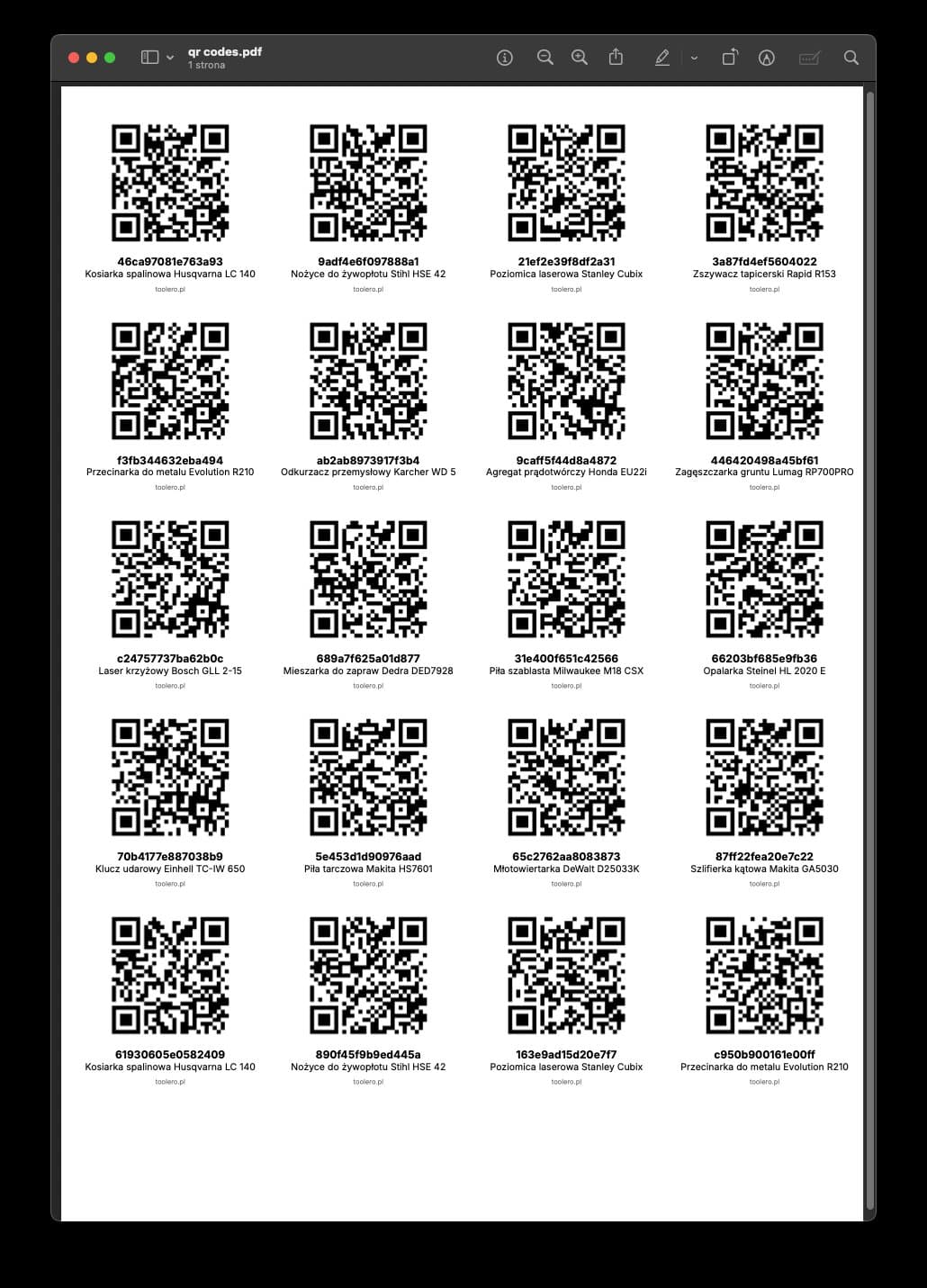
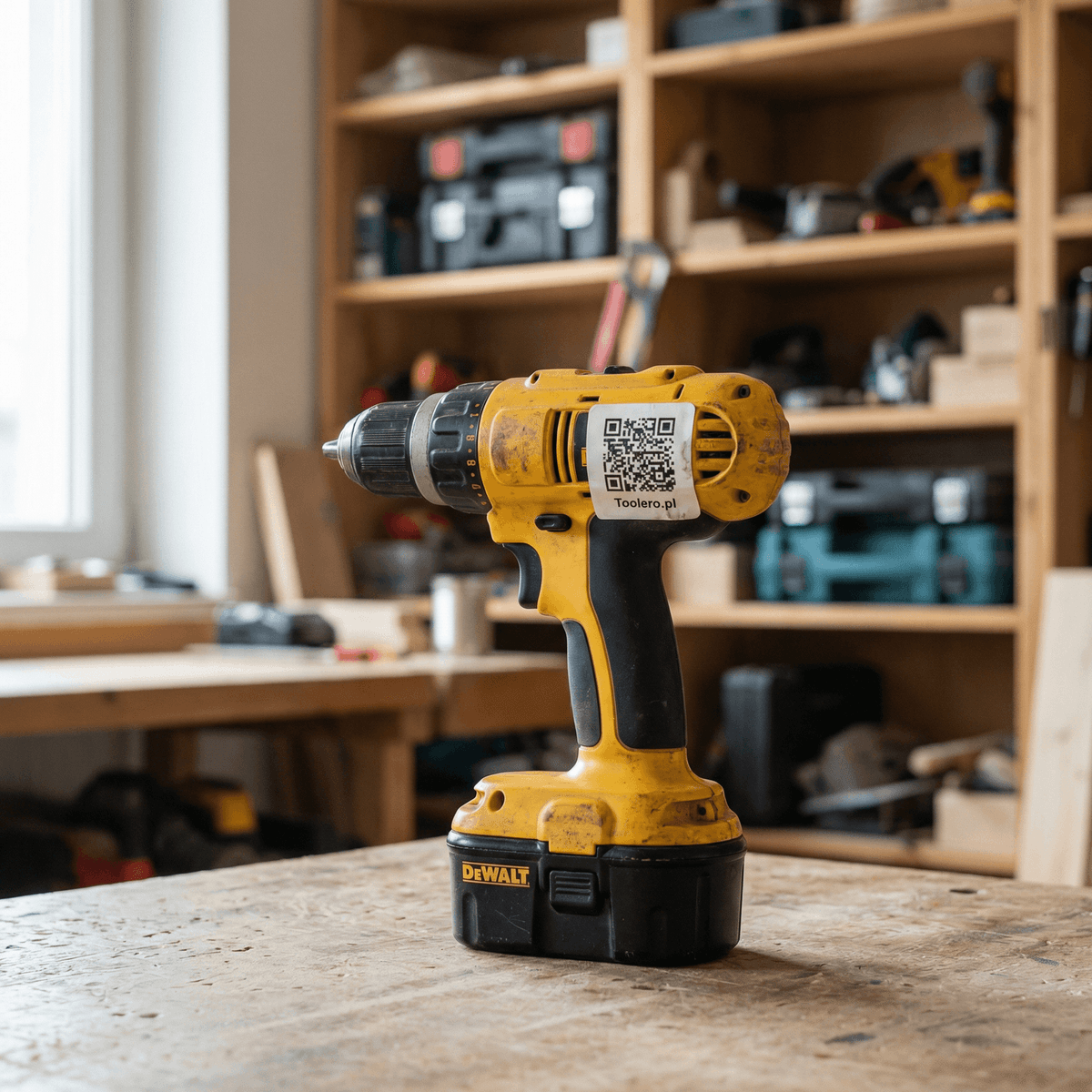
A printed label with a two-dimensional matrix pattern. Scanned with any smartphone camera. Leads to a digital profile with the tool's name, serial number, checkout history, and service records.
How it works: Each tool gets a unique QR code label. A worker points their phone camera at it, the tool's profile opens, and they tap "check out" or "return." The system logs who, when, and where. A thorough inventory audit is the prerequisite — don't print labels before you know what you own.
Pros:
- Zero hardware cost. Every worker already has a smartphone.
- Labels cost $0.05-$0.35 each depending on material.
- Any smartphone reads them — no special app required on most systems.
- A QR code holds up to 7,000 characters (though you only need a URL).
- Built-in error correction means a code still scans even when 30% damaged.
- You can print labels on a standard office printer for testing.
Cons:
- Requires line of sight. You have to point the camera directly at the label.
- One tool at a time. You can't bulk-scan a drawer full of tools.
- Paper labels last 1-2 months on a factory floor. Laminated ones last 4-8 months. Metal tags last 2-4 years.
- Scanning needs a free hand. Workers in gloves have to remove one glove or use a capacitive-tip stylus.
- Bright sunlight or extreme glare can interfere with scanning.
Who it's for: Manufacturing plants with 50-500 tools that need checkout accountability without a big capital investment. It's the sweet spot for companies upgrading from paper. For a deeper dive on tool tracking in a manufacturing plant, including shift handoffs and 5S integration, see our dedicated guide.
Option B: RFID Tags
A small chip embedded in a sticker or hard tag. Read by a specialized RFID scanner or gate. Transmits a unique identifier via radio frequency.
How it works: Each tool gets an RFID tag (passive or active). Workers pass tools near an RFID reader — handheld or mounted at a doorway. The system automatically logs which tools moved through. No scanning, no button taps.
Pros:
- No line of sight needed. The reader picks up tags through bags, drawers, and tool belts.
- Bulk scanning. Walk through a gate with 20 tools and the system reads all 20 in seconds.
- Passive tags have no battery — they last until physically destroyed.
- Works with gloves on. No screen interaction required.
- Excellent for high-volume environments (1,000+ assets).
Cons:
- Hardware is expensive. Handheld readers: $800-$3,000. Fixed gates: $3,000-$15,000 each.
- Tags cost $0.50-$5.00 each (passive) or $15-$50 (active with battery).
- Metal tools interfere with radio signals. Special "on-metal" tags cost 3-5x more.
- False reads happen. A worker walks past a gate with a personal tool and the system logs it.
- Requires IT infrastructure — readers, antennas, middleware, and network integration.
- Setup takes weeks to months, not days.
Who it's for: Large manufacturing operations with 1,000+ tools, dedicated IT staff, and budget for infrastructure. Also makes sense for controlled environments like cleanrooms or secure facilities where gate-based tracking is non-negotiable.
One client invested $10,000 in an RFID system for a 300-tool shop. After a year, he went back to QR codes. "Tags kept getting lost, gates didn't work reliably, and workers still had to manually correct false readings."
Option C: Traditional Barcodes (1D)
The familiar black-and-white stripes you see on retail products. Read by a dedicated barcode scanner or (sometimes) a phone app.
How it works: Each tool gets a barcode label with a unique identifier. A worker scans it with a handheld barcode reader, which sends the ID to a connected computer or system. The system logs the checkout.
Pros:
- Extremely mature technology. Standardized, well-understood, decades of industry use.
- Barcode labels cost $0.03-$0.10 each — the cheapest option.
- Scanners are reliable and fast in controlled environments.
- Works well for fixed workstations (tool crib, warehouse counter).
Cons:
- Requires a dedicated scanner ($150-$500 per unit). Phone-based barcode scanning exists but is slower and less reliable than QR scanning.
- Line of sight required, and the scanner must be close (typically within 12 inches).
- Only holds about 20 characters — just an ID number. All information lives in a connected database.
- Labels are long and narrow, hard to fit on small tools.
- Scanners end up sitting in the office. Workers don't carry them to the floor.
- No smartphone fallback. If the scanner breaks, you're stuck.
Who it's for: Facilities that already have barcode infrastructure (warehouse, tool crib with a counter) and want to extend it to tool tracking. Not recommended as a new deployment in 2026 — QR codes do everything barcodes do, plus more, with no hardware cost.
A QR code can still work even when 30% damaged. Built-in error correction means a scratched or dirty label can still be scanned successfully. Traditional barcodes have no comparable error correction.
Option D: Manual Tracking (Paper Log / Notebook)
The baseline. A checkout binder in the tool room. Workers sign out tools by hand.
How it works: A physical log sits near the tool storage area. Workers write the date, their name, and the tool they're taking. When they return it, they note the return date. A supervisor reviews the log periodically.
Pros:
- Zero cost. Pen and paper.
- Zero training. Everyone can write.
- No technology dependencies. Works during power outages, network failures, and system updates.
- Immediate implementation. You can start in five minutes.
Cons:
- Compliance is abysmal. In manufacturing plants, only 10-15% of checkouts actually get logged.
- No search. Finding who had a tool last month means flipping through pages.
- No reporting. Zero visibility into utilization, loss patterns, or maintenance needs.
- No reminders. Tools disappear and nobody notices for days or weeks.
- Doesn't survive shift changes. The night shift has no idea what the day shift took.
- For the maintenance department, the lack of data makes scheduling and planning nearly impossible.
Who it's for: Shops with fewer than 20 tools and 1-2 people. In a manufacturing plant, paper tracking is a stopgap, not a solution.
Calling a paper log a "tracking system" is like calling a sticky note a "project management tool."
Head-to-Head Comparison
| Criteria | QR Codes | RFID | Barcodes (1D) | Paper Log |
|---|---|---|---|---|
| Hardware cost | $0 (smartphones) | $800-$15,000 | $150-$500/scanner | $0 |
| Per-label/tag cost | $0.05-$0.35 | $0.50-$50.00 | $0.03-$0.10 | $0 |
| Scan speed | 2-3 seconds | < 1 second (bulk) | 1-2 seconds | 30-60 seconds (writing) |
| Line of sight needed | Yes | No | Yes | N/A |
| Bulk scanning | No | Yes (20+ at once) | No | No |
| Works with gloves | Partial (touchscreen) | Yes | Yes (scanner trigger) | Yes (pen) |
| Data capacity | Up to 7,000 chars | 96-8,000 bits | ~20 characters | Unlimited (handwriting) |
| Label durability (factory) | 1-8 months (varies) | 1-5 years | 2-6 months | N/A |
| Metal interference | None | Significant | None | N/A |
| Smartphone compatible | Yes (native) | No (needs reader) | Limited | N/A |
| Internet required | Yes (for system) | Yes (for system) | Yes (for system) | No |
| Setup time | 1-3 days | 2-12 weeks | 1-2 weeks | 10 minutes |
| Scales to 1,000+ tools | Yes | Yes | Yes | No |
| Checkout compliance (real-world) | 60-80% | 85-95% (gate-based) | 40-60% | 10-15% |
| Total Year-1 cost (200 tools) | $350-$700 | $5,000-$25,000 | $500-$1,200 | $5 |
A paper label on a construction tool might survive two months. On a factory floor — a bit longer. Investing in laminated or metal labels pays off quickly because you're not reprinting them three times a year.
The compliance row is the one that matters most. A system that captures 80% of checkouts gives you actionable data. A system that captures 15% gives you noise. RFID's gate-based tracking pushes compliance to 85-95% because it's automatic — but at 10-50x the cost.
The Verdict: Choose Based on Your Plant
Choose QR Codes if you have 50-500 tools, want to get started in days (not months), and don't need bulk scanning. Cost: $350-$700 in year one. This is where most manufacturing plants should start. You get 60-80% checkout compliance, full history, and automated reminders without buying any hardware.
Choose RFID if you have 1,000+ tools, controlled entry/exit points (like a tool crib with a single door), dedicated IT support, and budget for $5,000+ in infrastructure. The automatic gate-based tracking drives compliance above 85% — but only if the physical layout supports it.
Choose Barcodes if you already have barcode scanners deployed and want to extend them to tool tracking. Don't invest in new barcode infrastructure in 2026 — QR codes are strictly better for new deployments.
Choose Paper if you have fewer than 20 tools and one person responsible. Upgrade the moment you add a second shift or a third worker.
For most manufacturing plants reading this — the ones with 100-500 tools, 2-3 shifts, and no existing RFID infrastructure — QR codes are the starting point. They're fast to deploy, cheap to maintain, and good enough to eliminate the chaos of notebooks and guesswork.
If you're ready to roll out QR-based tool tracking on your production floor — try Toolero. It generates codes, handles checkouts, and keeps the full history. Free for 14 days, no credit card required.