Run your whole rental business from a single screen.
Reservations, checkouts and returns, deposits and invoices - without a notebook or Excel. You always know who has which item and when it comes back.
No credit card · No annual contract · Cancel anytime
 Demo FirmaAdministratorWyloguj
Dashboard
PRONadchodzące zwroty 3 pozycje
Przeterminowane 4 pozycje
Nadchodzące rezerwacje 2 pozycje
A bigger rental shop, more expensive chaos
Double bookings, gear that doesn't come back on time, disputes over deposits - with a few items you can manage in Excel. With a larger fleet and multiple locations these problems multiply month after month and eat into your margin.
Double bookings
Two customers on the same generator for the same weekend. Without an availability calendar you find out at checkout.
Gear doesn't come back on time
You don't know what's overdue, with whom, and for how many days. No automatic charging for exceeded deadlines.
Disputes over condition and deposit
“It was already scratched.” Without a checkout and return protocol with photos, every complaint is your word against theirs.
From registering equipment to invoicing - three steps
No installation, no consultant. You add equipment and handle your first rental the same day. You set up an account in a few minutes and upload your catalogue manually or by import from Excel. You enter a customer and a rental once - from there the system tracks deadlines, calculates deposits and prepares documents. And as your business grows, you add more features, locations and people - without migrations or downtime.
Add your equipment
Import from Excel or add manually. Each item gets a serial number, a deposit and a pricing rate.
Handle the rental
Reservation from the calendar, checkout with a protocol, extension and return. The system tracks availability and deadlines.
Settle and invoice
Automatic rental and deposit calculation, contract, invoice and submission to KSeF - from one place.
The entire rental flow in one system
Not a patchwork of tools, but one system for the whole rental flow - from adding equipment to settlement. It tracks deadlines and reminds you by email, and you switch on only what you need.
See every reservation, zero conflicts
A timeline for your whole fleet. Date blocks, extensions and returns in one view - the end of double bookings.
It calculates itself
Hourly, daily and tiered rates, deposits and fees for exceeded deadlines - calculated automatically.
Checkout and return with photos
Equipment condition documented at every operation. A deposit complaint stops being your word against theirs.
Contract and KSeF from one place
A rental contract from a template, an invoice and submission to KSeF without re-typing customer data.
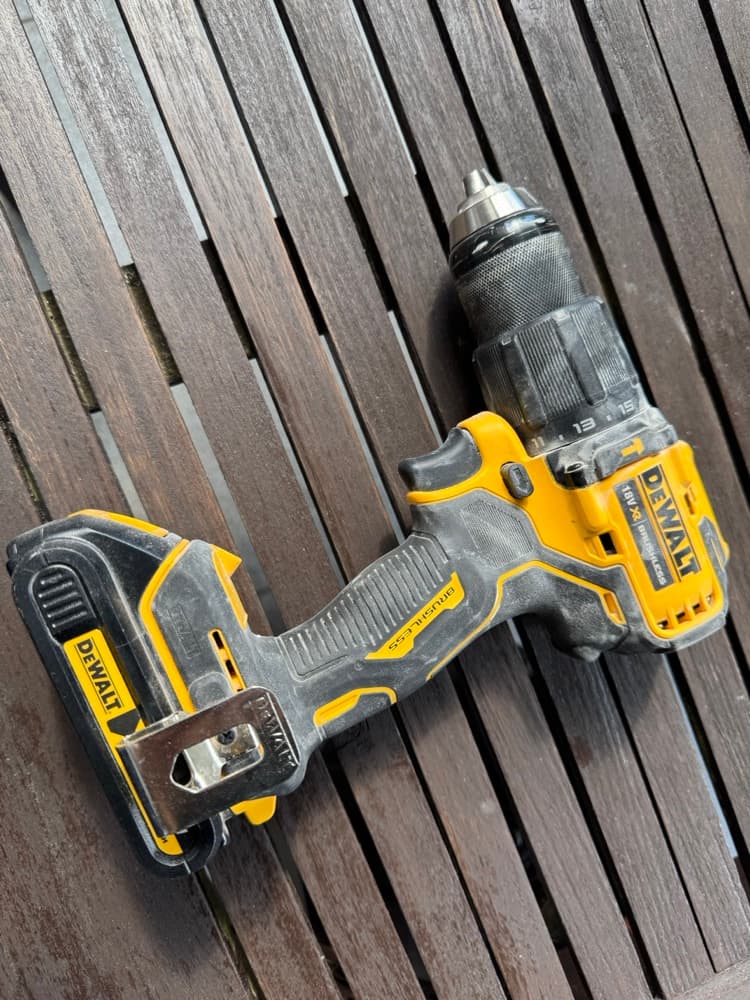
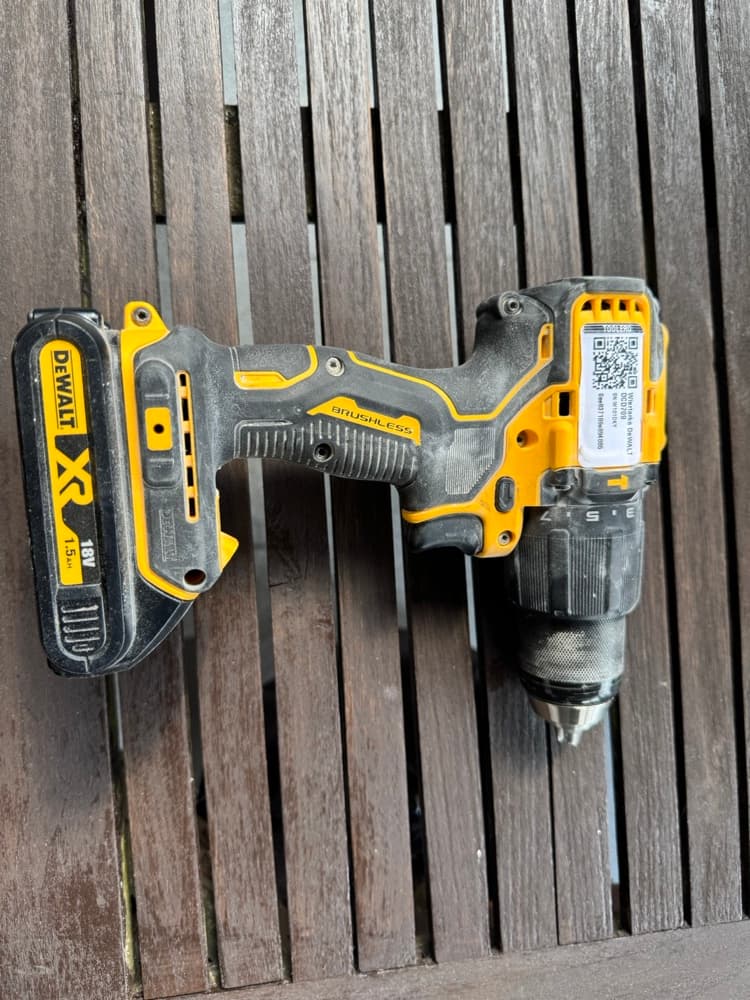
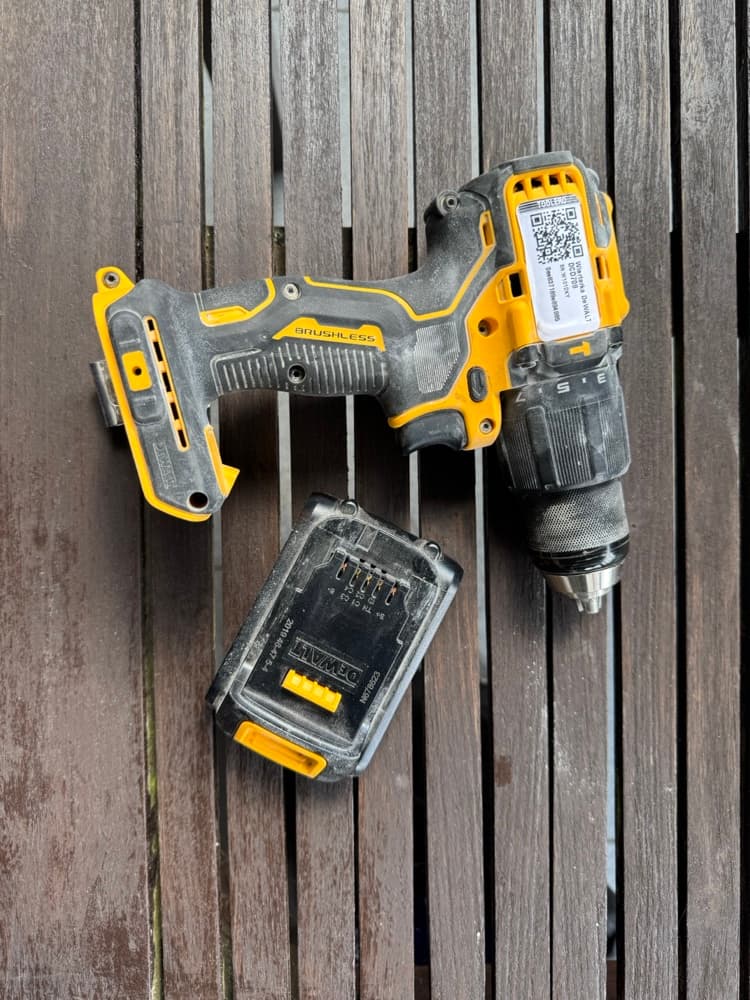
QR scan from your phone
A QR code on every item. Checkout, return and condition checks straight from your phone - no trips back to the office.
identyfikacja sprzętu w 1 sekundę
Simple to use. Complete underneath.
You start with an ordinary rental. And as your business grows, the same system handles settlements, documents and multiple locations - without switching tools and without migrations.
You start with rentals and over time add settlements, documents or more locations. Everything in one place - without moving and re-learning the system from scratch.
You switch on only the features you actually use and decide who has access to what. Toolero adapts to your business, not the other way around.
Equipment, customers, contracts and invoices in one place. No more copying data between Excel, your inbox and accounting.
The same system keeps an eye on company equipment
Toolero isn't only for rental shops. If you manage your own tool fleet - you assign equipment to employees, crews and locations, control inspections and know who last had a given item.
See Toolero for equipment tracking“After the system was introduced, order followed. I don't have to call around the crews, everything is in one place. For me, that's a big time saving.”

It adapts to whatever you rent out
Wondering whether Toolero can handle your equipment? Every industry has its own rules, and we built the system to cope even with unusual cases. Below are the ones it handles most often.
Construction and industry
Heavy equipment, tools and jobsite facilities.
Events and production
Stages, sound, lighting and film sets.
Sport and season
Seasonal rentals with weekend peaks.
Specialised
Verticals that require records, inspections and compliance.
Didn't find your industry?
Nothing lost - Toolero will most likely work for you anyway. And if you have doubts, book a short call: we'll show the system on your equipment and pick the right setup together. No obligations.
Friday, 4:00 PM. A queue at the counter.
Without a system it's a notebook, a call to the warehouse and checking whether the generator is really free. With Toolero you look at the calendar, scan a QR code and check it out - with a protocol and a calculated deposit. Every item settled before the customer drives off.
Simple prices. You pay for equipment, not people.
No hidden fees and no user limit. You start on a 7-day trial and decide later. Net prices (excl. VAT).
All year - a fixed monthly fee for 12 months. The standard for rental shops open all year.
Up to 50 items - for a small rental shop to start.
- Unlimited users
- QR codes and phone scanning
- Rentals and customer database
- CSV import
Up to 150 items - for a growing rental shop with invoicing.
- Everything in Starter, plus:
- Pricing engine with bundles and seasons
- PDF contracts with e-signature
- Reservations and email notifications
- Full change history (audit log)
Up to 500 items - for a large rental shop and many locations.
- Everything in Business, plus:
- Advanced reports
- Data export to CSV/Excel
- Automatic late fees
- Priority support
30-day money-back guarantee
Over 500 items or a network of branches? We're in.
Toolero also runs large rental businesses and companies with an extensive equipment fleet - with many locations and thousands of items. For that scale we prepare a Custom plan: pricing tailored to your operation, with no limit on equipment or locations, and a hands-on rollout.
What you do by hand today
Before you start
Q1How long does onboarding take?
Usually one evening. You import equipment from Excel or add it manually, set rates and deposits - and handle your first rental the same day. No installation and no consultant.
Q2Can I move my data over?
Yes. You import equipment and customers from an Excel/CSV file. Serial numbers, rates and deposits are uploaded in bulk, without re-typing item by item.
Q3Does it work on a phone in the field?
Yes - Toolero is a web app (PWA) that works on a computer, tablet and phone. An employee scans a QR code and checks equipment out or in without going back to the office.
Q4Can I issue an invoice and send it to KSeF?
Yes. From a rental you generate a rental contract and an invoice, and you send the invoice to KSeF without re-entering customer data.
Q5I don't run a rental shop - I have my own equipment fleet.
Toolero also supports pure record-keeping: you assign equipment to employees, crews and locations, and control inspections and history. It's the same system - just don't use the rentals module.
Q6What about security and GDPR?
We keep data in the cloud in the EU, with role-based access control. Customer data and contracts are separated per account, and sensitive fields are encrypted.
How much equipment do you lose every month?
Launch Toolero in one evening and handle the next weekend without chaos.
No card · No commitment · Cancel anytime