A single lost tool costs the average shop $75-$150 to replace. Lose one per month and that's $900-$1,800 per year. QR code labels cost $0.12-$0.35 each. The math on QR codes for tools is absurdly one-sided — yet 80% of shops with under 100 tools still track inventory by memory or sticky notes.
This guide breaks down every cost, time investment, and trade-off involved in labeling your tools with QR codes. Every number here comes from real setups you can replicate this weekend.
Who This Data Is For
These calculations apply to workshops and small companies with 20-200 tools. A woodworking shop in Austin. A plumbing crew out of Phoenix. A two-person electrical contractor in Portland. If you manage tools and don't yet have a system — or if you're running a spreadsheet that nobody updates — this is for you.
The cost figures are US retail pricing as of 2026. Label prices assume online ordering or printing with a consumer-grade label printer. Time estimates assume one person working without interruption. Treat it as a mini inventory audit — you only do it once.
Setup Cost Breakdown: DIY vs. Dedicated System
Here's what it actually costs to get QR codes on your tools using three different approaches.
| Cost Item | DIY (Paper Labels) | DIY (Label Printer) | Dedicated System (Toolero) |
|---|---|---|---|
| Label material (100 labels) | $5 | $15 | $15 |
| Printer cost | $0 (existing printer) | $90-$150 | $0 (existing printer) |
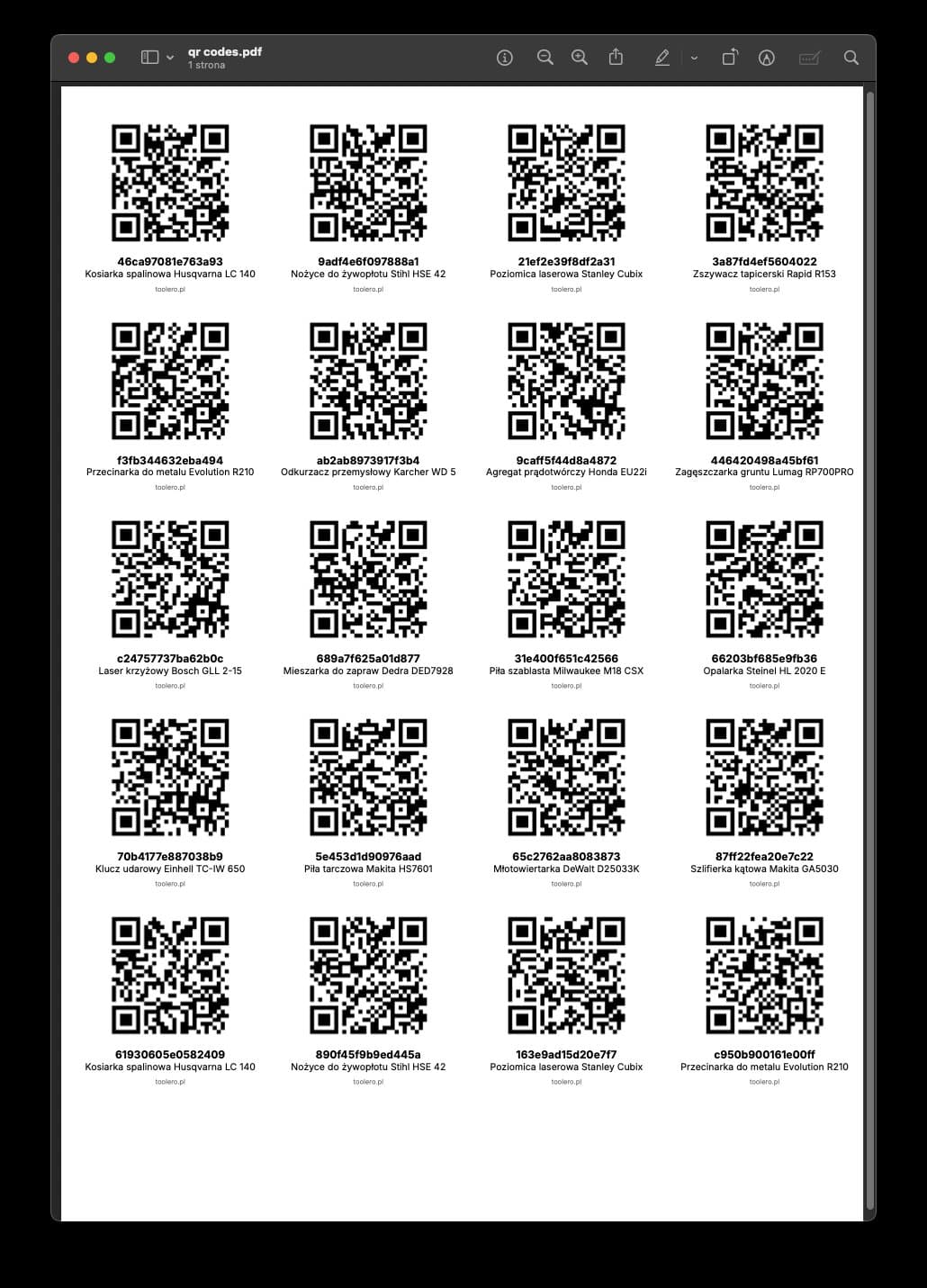
| QR code generation | $0 (free tools) | $0 (free tools) | Included |
| Software/database | $0 (Google Sheets) | $0 (Google Sheets) | $25/month ($300/yr) |
| Clear tape for protection | $4 | Not needed | Not needed |
| Total Year-1 Cost (100 tools) | $9 | $109-$169 | $315 |
| Total Year-2 Cost | $9 (reprint) | $15 (labels only) | $315 |
On paper, DIY wins. Nine dollars versus $315. But that table is missing the most expensive line item: your time.
The real cost isn't in the labels. It's in the labor.
If you have up to 50 tools and one person managing them, Google Sheets + QR codes will get you started. Zero cost, and you get the benefit of knowing where everything is.
Time Investment: Setup and Ongoing Maintenance
This is where the DIY approach gets expensive. Here's the time breakdown for a 100-tool shop.
| Task | DIY Method | Dedicated System |
|---|---|---|
| Initial inventory (cataloging all tools) | 3-4 hours | 2-3 hours |
| Creating the database/spreadsheet | 2-3 hours | 0 (auto-generated) |
| Generating QR codes (per tool) | 1-2 min each = 2-3 hours | 0 (auto-generated) |
| Printing and cutting labels | 1-2 hours | 0.5 hours |
| Applying labels to tools | 2-3 hours | 2-3 hours |
| Total setup time | 10-15 hours | 5-7 hours |
| Weekly maintenance (updates, chasing) | 2-3 hours | 15 minutes |
| Monthly label replacement | 1-2 hours | 0 (laminated) |
| Annual maintenance time | 130-170 hours | 13-15 hours |
The annual maintenance gap is the number that matters. At 130-170 hours per year for DIY versus 13-15 hours for a system, you're looking at a difference of roughly 120-155 hours.
At $30/hour (a conservative rate for a shop owner's time), that's $3,600-$4,650 per year in labor. The $300 system subscription looks very different now.
DIY is cheaper financially but more expensive in time. A 120-155 hour difference in labor at $30/hr is $3,600-$4,650 per year. The math favors the system.
Here's the formula for your own shop:
- Count your tools
- Multiply by 1.5 hours per 100 tools for setup time (DIY) or 0.7 hours (system)
- Multiply weekly maintenance hours by 50 weeks
- Apply your hourly rate
- Add subscription cost for the system option
- Compare totals
Label Durability and Replacement Costs
Label material determines how often you reprint. This table shows real-world lifespan across environments.
| Label Type | Cost per 100 | Workshop Lifespan | Job Site Lifespan | Factory Floor | Replacement Cost/Year (100 tools) |
|---|---|---|---|---|---|
| Self-adhesive paper | $5 | 2-3 months | 1-2 weeks | 1-2 months | $20-$60 |
| Paper + clear tape | $9 | 4-6 months | 1-2 months | 2-3 months | $18-$27 |
| Brother/Dymo laminated | $12-$15 | 6-12 months | 3-6 months | 4-8 months | $15-$45 |
| Custom vinyl (print shop) | $25-$35 | 1-2 years | 6-12 months | 8-14 months | $18-$55 |
| Metal tags (engraved) | $40-$60 | 3-5 years | 2-3 years | 2-4 years | $12-$30 |
Paper labels are the cheapest upfront but the most expensive over time in harsh environments. For a construction crew working job sites, paper labels last one to two weeks. You'll reprint six to eight times before a laminated label needs its first replacement.
If you're labeling tools for a production floor, the professional option is usually worth the investment. Metal tags cost 8x more per label but last 10-20x longer.
The QR code should be at least 0.8 x 0.8 inches (2x2 cm) when printed. Smaller codes are hard to scan, especially with older phones or in poor lighting. For reliability, 3x3 cm is better.
One client printed codes at 1x1 cm "so they wouldn't look ugly on the tools." Half couldn't be scanned at all.
The Spreadsheet Problem: DIY Failure Points
The labels are the easy part. The hard part is what happens after you stick them on. Here's where DIY breaks down — with data.
| Problem | Impact | DIY Workaround | System Solution |
|---|---|---|---|
| Nobody updates the spreadsheet | 70-90% of checkouts go unrecorded | Google Form for logging | Auto-logged on scan |
| No checkout history | Can't prove who had the tool | Separate log sheet (rarely maintained) | Full audit trail |
| No return reminders | Late returns average 4-7 days | Manual calendar check | Automatic alerts |
| No condition tracking | Damage goes unreported until next use | Honor system | Photo on checkout/return |
| Multiple editors | Conflicting data, overwritten cells | Lock cells (limits access) | Role-based permissions |
| No reporting | No visibility into utilization | Manual pivot tables | Auto-generated reports |
The first row is the killer. If 70-90% of checkouts go unrecorded, you don't have a tracking system — you have a sticker collection. A Google Form for reporting checkouts helps. Post the form link as a QR code in the storage area. It's easier than editing the spreadsheet directly, so some people will actually use it.
But let's be honest — with the DIY method, you'll always be chasing updates.
At that point, it's worth evaluating what a dedicated tracking system offers.
Label Placement Guide
Where you stick the label matters as much as what you stick.
| Tool Type | Best Placement | Avoid | Notes |
|---|---|---|---|
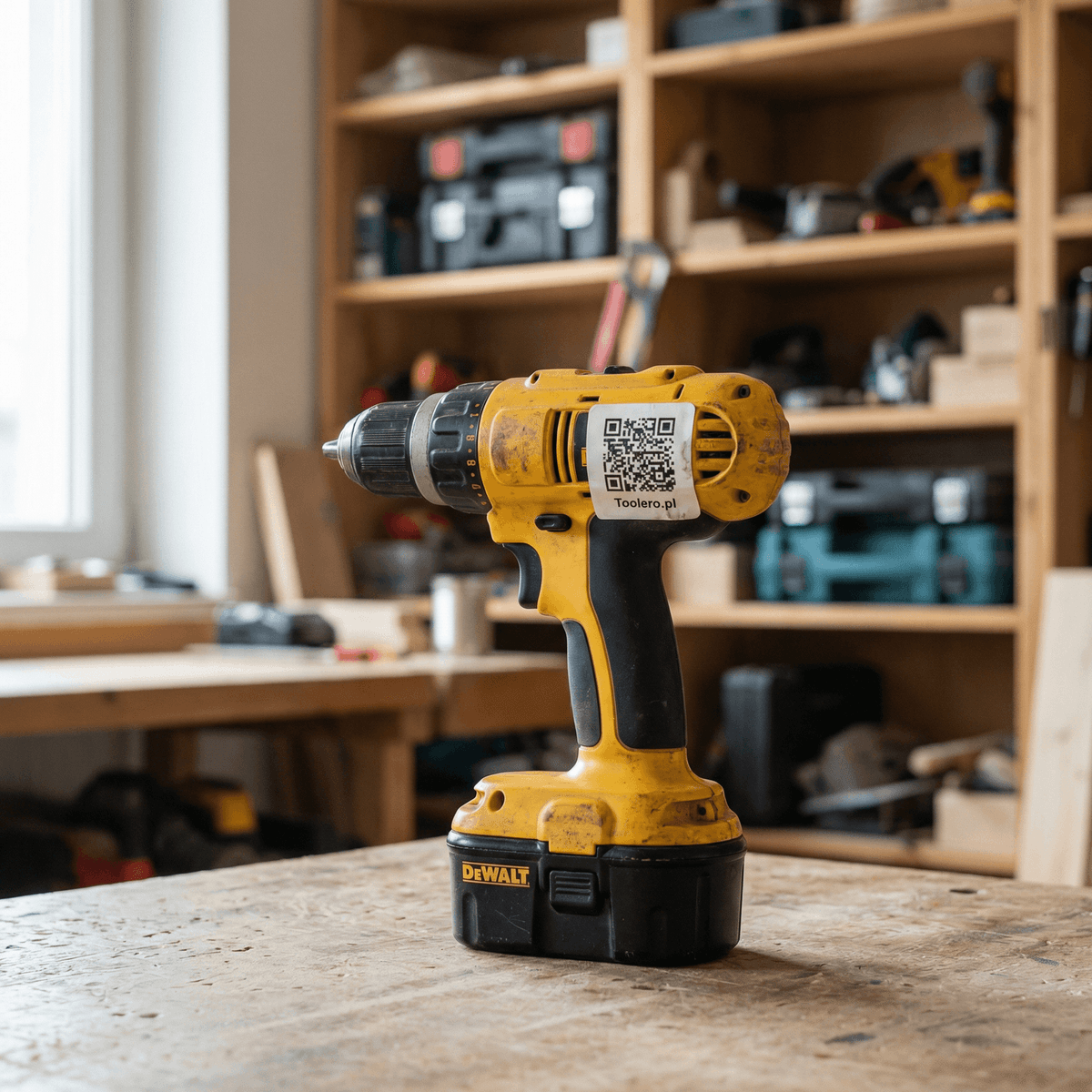
| Power tools (drills, grinders) | Side of housing, flat surface | Buttons, grips, air vents, chuck area | Avoid surfaces that heat up |
| Hand tools (wrenches, pliers) | Underside of handle | Gripping surfaces | Near manufacturer's mark works well |
| Cases and toolboxes | Lid, clearly visible | Bottom, sides that face walls | Durability is less of a concern here |
| Measuring instruments | Back of body, near serial number | Display, lens, adjustment knobs | Keep away from calibration points |
| Large equipment | Upper housing, near data plate | Moving parts, exhaust areas | Use oversized labels (4x4 cm+) |
After sticking the label on, take a photo of the tool with the label visible and upload it to your spreadsheet. When someone scans the code, they also see the photo — confirming it's definitely that tool, not another one with a similar sticker.
The Break-Even Calculation
Here's the final math. When does a dedicated system save you money versus DIY?
Variables:
- Tools: 100
- Your hourly rate: $30
- Lost tools per month (without tracking): 1 ($100 average value)
- DIY annual cost: $9-$60 (labels) + 150 hours x $30 = $4,509-$4,560
- System annual cost: $315 (subscription) + $15 (labels) + 14 hours x $30 = $750
Annual savings with a system: $3,759-$3,810.
Add in the avoided lost tools: 12 x $100 = $1,200. Now you're looking at $4,959-$5,010 in total annual value.
The DIY method makes financial sense only when your tool count is under 30, your time has low opportunity cost, and you don't need checkout history or accountability.
For everyone else, the numbers point one direction.
If you've outgrown the DIY approach and want a system that generates QR codes, tracks checkouts, and sends return reminders automatically — give Toolero a try. Free for 14 days, no credit card required.
What Happens After Three Months
One shop owner ran the DIY system for three months, then did the math. He was spending an hour a week updating the spreadsheet and chasing workers to report what they took. He'd already replaced the paper labels once. He still didn't know what his assistant had taken last month.
After switching to a dedicated system, scanning takes three seconds, the system logs the history, and automatic reminders handle late returns.
The DIY method is a good starting point. It lets you test whether QR codes even make a difference in your shop. But it has its limits — and it's worth knowing when you've hit them. Run the numbers in the tables above with your own tool count and hourly rate. The break-even point is usually lower than you think.