You don't need software to start tracking your equipment. You need a notebook. Or a spreadsheet. Or a whiteboard on the shop wall. The best tracking system is the one you actually use — not the one you pay $50 a month for and nobody opens. This guide covers three methods that work without any software at all. Step by step, with concrete templates.
When manual methods are enough
Manual tracking works well under specific conditions. You have up to 80-100 pieces of equipment. One person, two at most, manages checkouts. Your gear doesn't bounce between multiple locations. You don't need history — you care about the current state: what you own, where it is, who's responsible.
If that sounds like your company — dedicated software might be overkill. Five-person construction crews, small machine shops, independent renovation teams — hundreds of businesses like these run solid tracking on paper and do just fine.
The key isn't the tool. It's the consistency. A notebook updated every day is worth more than software nobody logs into.
Method 1: The paper notebook
The simplest method. No internet, no power, no technical skills required. Buy a $5 hardcover notebook and you've got a tracking system.
How to set it up
Get a notebook with a hard cover — a soft one will fall apart within a month on a job site. Divide it into two sections.
Section 1: Equipment register. Each page covers one category (power tools, measuring equipment, machinery). For each item, record:
- Asset number (e.g., PT-001, PT-002)
- Name and model (not "drill" — "Bosch GBH 2-28 F")
- Serial number
- Purchase date
- Purchase value
- Condition (working / needs inspection / in repair)
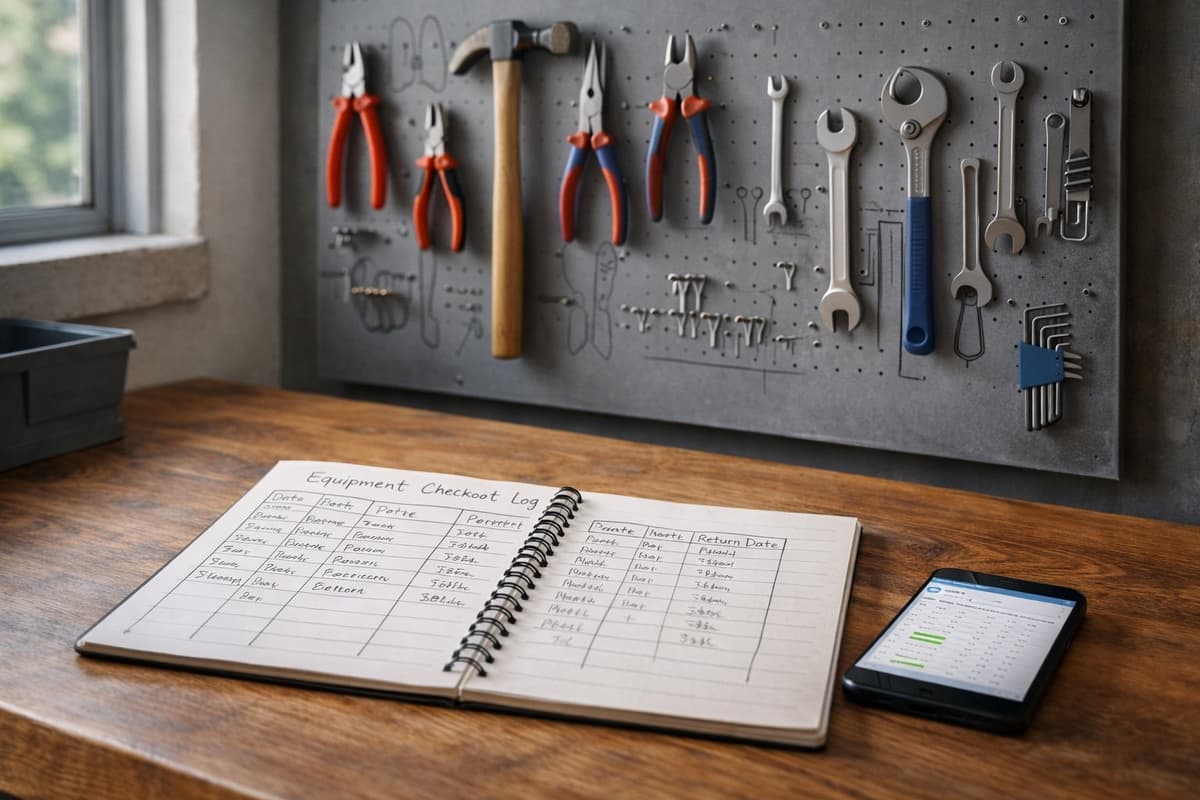
Section 2: Checkout log. This is where you track movement. Each entry is one row:
Date | Asset # | Checked out by | Signature | Return date | Return signature
The signature is the critical piece. A worker who signs for equipment is responsible for it. That's not bureaucracy — it's protection for both sides.
03/12 | PT-007 | Smith, John | [signature] | 03/14 | [signature] 03/12 | ME-003 | Davis, Mark | [signature] | — | — A blank return means the equipment is still in the field. A weekly review of blank returns is your alert system.
When a notebook works
On job sites with no internet. In a small shop where the owner hands out equipment personally. On a crew of five or fewer, where everyone comes back to the same warehouse.
When it stops working
A notebook has one serious flaw — you can't search it. When you've got 60 pieces of equipment and you want to find the last service date for grinder PT-023, you're flipping through half the book. With five items, that takes 10 seconds. With sixty — fifteen minutes.
Second flaw: the notebook exists in one copy. If the warehouse manager is on vacation and the notebook is locked in his desk — nobody knows who has what. And if it gets lost, your entire tracking history vanishes. Take a photo of every filled page once a week. That's your backup.
Third: no analytics. A notebook won't tell you which equipment breaks down most often, how much you spend on repairs, or who holds onto tools the longest. For that, you need something that calculates.
Method 2: Excel or Google Sheets
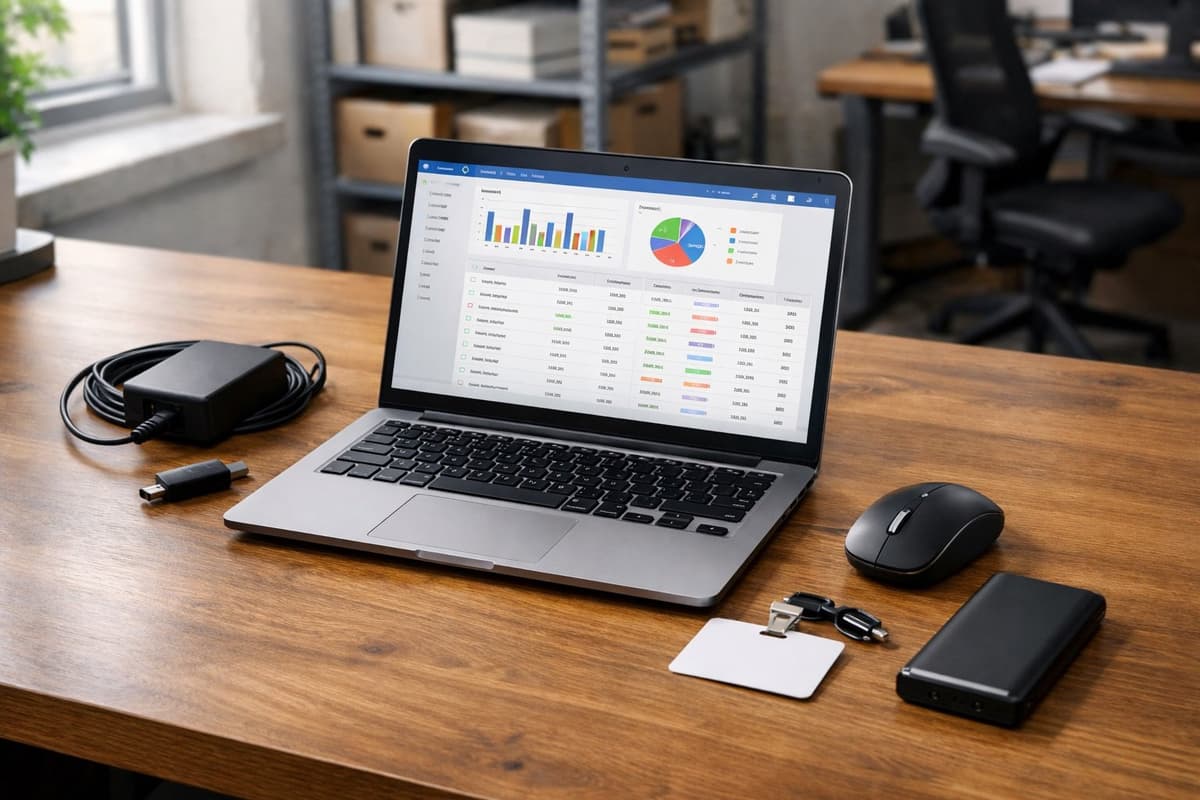
One step up. Still free (or close to it), but with filtering, sorting, and basic automation. If anyone on your team can handle Excel at the level of tables and formulas — this method gives you a lot for nothing.
How to build the spreadsheet
Create a file with three tabs.
Tab 1: Equipment register. Columns:
| Asset # | Name | Model | Serial Number | Category | Location | Assigned To | Purchase Date | Value | Condition |
|---|---|---|---|---|---|---|---|---|---|
| PT-001 | Rotary hammer | Bosch GBH 2-28 F | 3 611 B67 ... | Power tools | Warehouse | — | 2023-03-15 | $480 | Working |
| PT-002 | Angle grinder | DeWalt DWE4120 | 0812... | Power tools | Site - Denver | Smith, J. | 2024-01-20 | $165 | Working |
Add filters to the header row (Ctrl+Shift+L in Excel, or Data > Create a filter in Google Sheets). This turns your spreadsheet from a list into a search tool. One click to filter: show me everything that's "In repair." Or: show me all equipment assigned to Davis.
Tab 2: Checkout log. Columns:
| Checkout Date | Asset # | Equipment Name | Checked Out By | Expected Return | Actual Return | Notes |
|---|---|---|---|---|---|---|
| 2025-03-12 | PT-007 | Laser level | Smith, J. | 2025-03-19 | 2025-03-14 | — |
| 2025-03-12 | ME-003 | Auto level | Davis, M. | 2025-03-26 | — | Denver site |
Tab 3: Service and maintenance. Columns:
| Asset # | Service Date | Type | Provider | Cost | Next Due | Notes |
|---|---|---|---|---|---|---|
| PT-001 | 2025-02-10 | Routine maintenance | Bosch Service | $70 | 2025-08-10 | Brushes replaced |
Three formulas you'll actually use
You don't need to be a spreadsheet expert. These three formulas are enough:
How many items are currently checked out? In the checkout log tab, count rows where the return date is blank:
=COUNTBLANK(F2:F500) (where F is the "Actual Return" column)
What's the total value of your equipment? In the register tab:
=SUM(I2:I500) (where I is the "Value" column)
Is anything overdue? Use conditional formatting — select the "Expected Return" column, set a rule: if the date is earlier than today, highlight in red. Open the sheet in the morning, red rows are equipment that should've been returned. Your daily alert system, no code required.
If multiple people need to edit the tracker, go with Google Sheets. It runs in the browser, multiple people can type at once, and change history is saved automatically. Excel handles larger datasets and more advanced formulas better — but for tracking up to 200 items, the difference is zero. For small teams, Google Sheets wins on accessibility alone.
What to track — minimum vs maximum
Minimum (if you're short on time): asset number, name, who has it, condition. Four columns. Takes a minute a day to update. Better than nothing.
Optimal: full register as above plus the checkout log. Adds maybe 10 minutes a day, but now you know not just what you own, but where it is and who's accountable.
Maximum: all three tabs plus photos, warranty documents, and a maintenance schedule. The complete picture — but it demands discipline. If you don't have a designated person maintaining it, don't start at maximum. Start at minimum and build up as you feel the gaps.
Where spreadsheets break down
A spreadsheet doesn't enforce updates. If a worker grabs a drill and doesn't tell the warehouse manager, the sheet doesn't know. A system with QR codes forces a scan at checkout. A spreadsheet relies on discipline.
With multiple users, version problems creep in. Who has the current file? Which one is newer? Why are two rows missing that were there yesterday? Google Sheets solves some of these problems, but not all.
And the big one: spreadsheets don't send reminders. Maintenance was due a week ago? Equipment hasn't come back in two weeks? You have to check manually. Every day. And one day you'll forget.
Method 3: Physical board / shadow board
A method as old as workshops themselves, but still effective in one specific scenario: a fixed shop or warehouse where equipment returns to the same spot at the end of each day.
How to set it up
A shadow board is a panel (plywood, pegboard, metal sheet) with tool outlines or labeled hooks. Every piece of equipment has its designated spot. If a spot is empty — you can see instantly what's missing.
Add a checkout grid on the wall next to it. A poster board with a matrix: rows are tools, columns are days of the week. A worker grabs a drill — writes their name in the matching cell. Returns it — erases. Simple.
Sounds primitive. But in a shop with ten tools and three workers, it works better than any spreadsheet. Why? Because it's physical. You don't have to open a laptop. You don't have to remember to update anything. An empty hook on the board screams at you: "something's missing."
When it works
In fixed-location shops: woodworking, metalworking, paint shops. On production floors — especially in a 5S methodology environment, where shadow boards are standard practice. In small tool cribs where one person controls checkouts.
When it doesn't work
When equipment leaves for job sites and comes back two weeks later. When you have three locations. When tools are too big for a board. A shadow board is visual control, not a tracking system. It shows what's on-site right now, but it won't tell you that grinder PT-012 has been at the Denver job site with Davis for ten days.
When manual methods stop being enough
No manual method lasts forever. At some point, your company grows past what paper and spreadsheets can handle. Here are the honest warning signs.
You're spending over 2 hours a week on updates. Two hours is the pain threshold. Below that — manual tracking is cheaper than any system. Above that — software starts paying for itself.
You're losing equipment despite tracking it. The spreadsheet says "warehouse," but the tool isn't there. If this happens regularly, the problem is that people aren't updating. And they're not updating because there's too much friction. That's when it's worth asking how much lost equipment really costs.
More than three people need access to the data. Two people can coordinate who updates. At five — version chaos begins.
You need history. Who had the drill last month? How many times has the laser been serviced? What's the annual maintenance cost for the generator? A notebook and spreadsheet can theoretically store this, but finding the answer takes an hour of digging. If these questions come up often, you need something with a search function.
Field crews need real-time information. The warehouse manager is on vacation, and the site foreman wants to know if the auto level is available. With manual tracking, the answer is: call the office and wait.
If you recognize three or more of these signals, it's worth looking into how to choose a tracking system that fits your company.
Start with whatever you have
The worst tracking system is no tracking system. A $5 notebook is infinitely better than perfect software you don't own yet.
If you don't know where to begin — start with an inventory audit. Count what you have. Write it down. Then pick your method: notebook, spreadsheet, or board. Match it to how your company works, how many people you have, and how often equipment moves around.
You don't have to do everything at once. Start with the equipment register — just a list of what you own. Then add the checkout log. Then maintenance records. Build gradually, not all at once.
And don't worry about it being "unprofessional." A company with a notebook that gets updated every day has better control than a company paying $100 a month for software nobody's opened in three weeks.
It's the habit that matters, not the tool.
When you're ready to move beyond spreadsheets, Toolero lets you migrate your tracking in a single day. 14 days free, no credit card required.