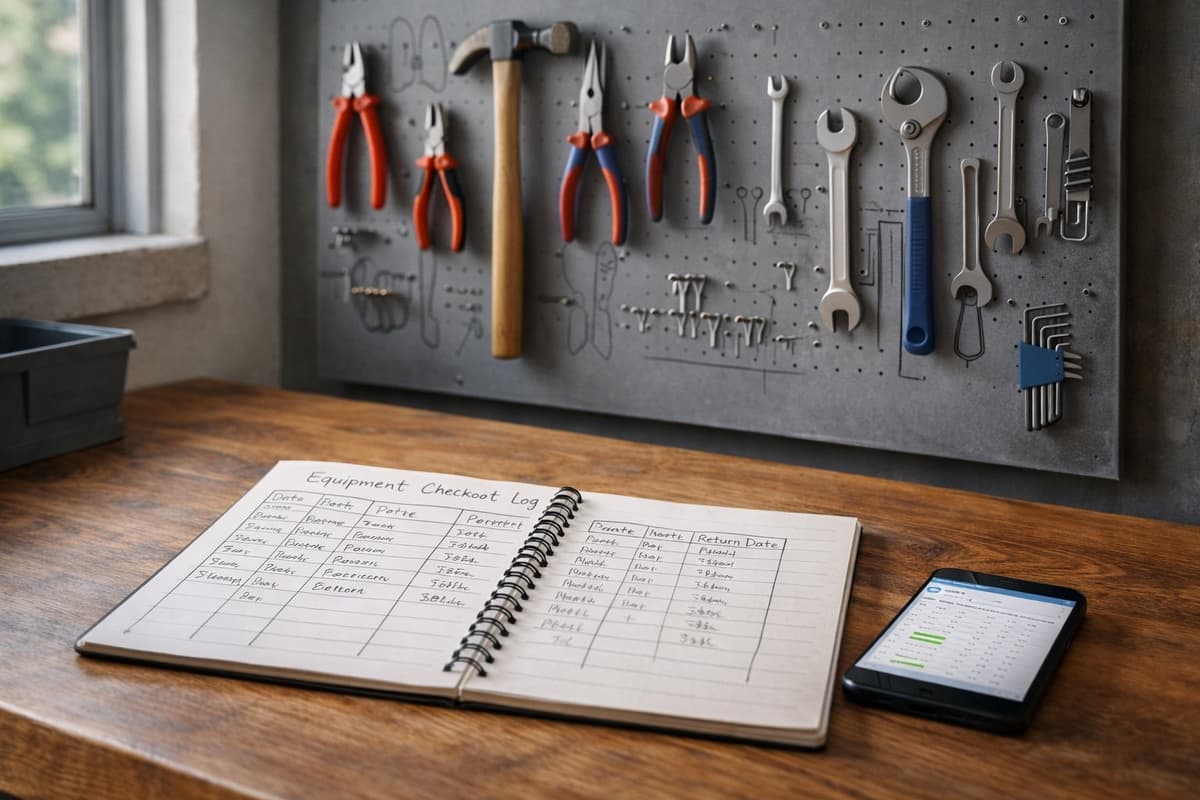
Ben has been running a plumbing company for five years. In the beginning, he kept everything in his head - which drill was where, who he'd lent the pump to, when the compressor seals needed replacing.
Then the company grew to ten people and two hundred pieces of equipment. Ben kept managing everything in Excel. Every morning, he'd open the spreadsheet, check who needed what, then update it again in the evening. It took him an hour a day.
One day, a client called with a complaint - a technician had left a pump at their place three weeks ago. Ben checked Excel. The pump was marked as "in warehouse." Turned out the technician "forgot to update."
That was the moment Ben started looking for something better.
Excel - Why Everyone Starts Here
No surprise that companies start with Excel. It's free (or you've already paid for it with Office), familiar, and flexible. You can build exactly what you need without paying for features you won't use.
A typical equipment tracking spreadsheet has columns for: name, serial number, location, assigned to, purchase date, value. Simple, readable, and it works. Anyone can manage it without training.
The problem is that Excel was designed for calculations and reports, not for tracking things that constantly move around. And at some point, that difference starts to hurt.
When Excel Stops Being Enough
No change history
Equipment comes back damaged. You check Excel - assigned to Nowak. You call Nowak. "I returned it a week ago." Who had it during that week? No idea, because Excel doesn't remember previous values.
You can enable version history, but reviewing it is a nightmare. You'd have to compare files from a week ago, two weeks ago, hunting for when a specific cell changed. Nobody does that.
Multiple users are a disaster
Excel on a shared network drive? A classic. Smith opens the file, makes changes, goes for coffee. Jones opens it at the same time, makes his changes, saves. Smith comes back, saves. Jones's changes vanish.
Cloud-based Excel is better - OneDrive or Google Sheets solve the simultaneous editing problem. But there's still no control over who changes what. Someone accidentally deletes a row, someone overwrites a formula, someone changes a column format. And nobody knows who did it.
Zero mobile access
A worker in the field needs to check where the generator is. Should they open Excel on their phone? Scroll through a 300-row spreadsheet searching for a specific serial number? On a 5-inch screen, in sunlight, wearing work gloves?
Technically possible. Practically, nobody does it. So they call the office. Or they just grab whatever equipment is nearest and hope nobody asks.
No automation
Equipment was due back a week ago. Who knows? Nobody, because Excel doesn't send reminders. Someone has to manually scan the "return date" column and call people.
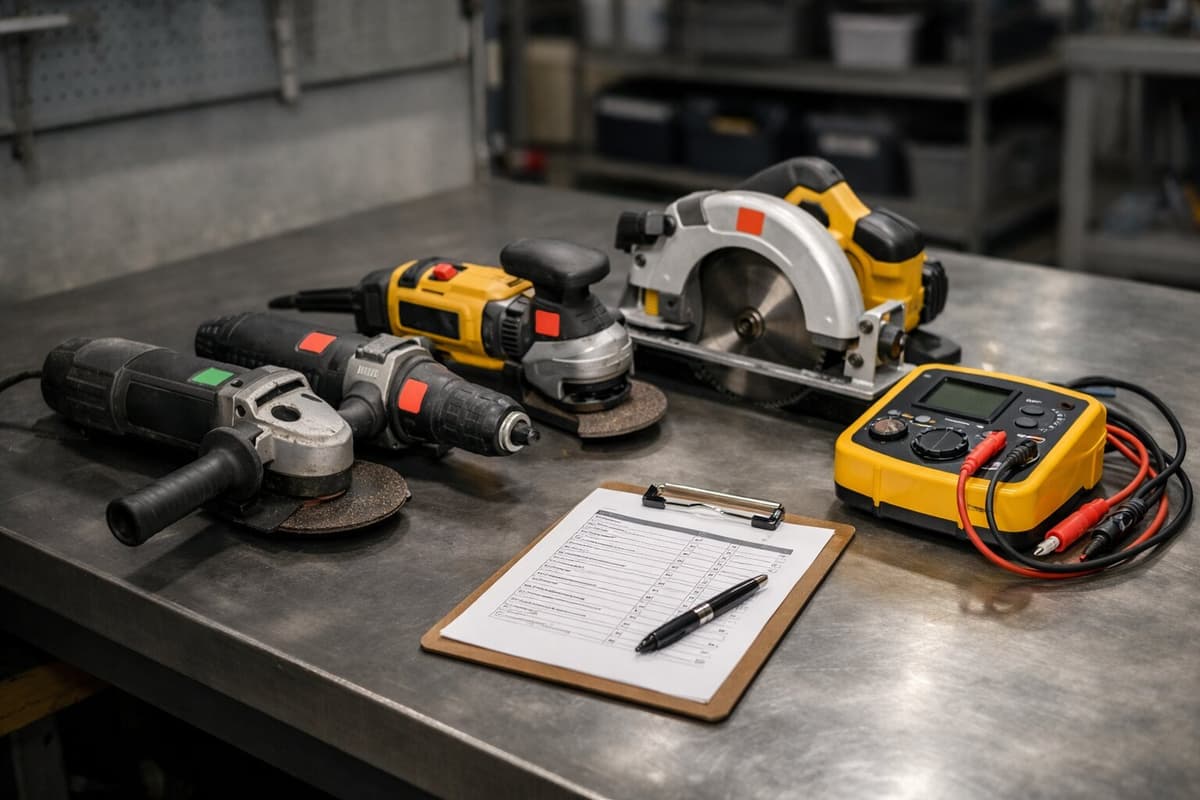
A maintenance check is due next week. Who knows? Nobody, because Excel doesn't have alert calendars. The check gets missed, the equipment breaks down, and the repair costs three times more.
Free Excel Template - Start Right
Since you're going to start with Excel anyway, do it properly. We've prepared a template with three worksheets.
The first worksheet is the equipment list - name, category, serial number, location, purchase value, purchase date. Basic information about each item.
The second worksheet tracks checkouts - who, what, when they took it, when they returned it. Manual, but at least you have somewhere to record it.
The third worksheet is a service history - what, when, how much, who performed it. Useful for planning replacements and warranty negotiations.
Email us at contact@toolero.pl with the subject "Excel Template" - we'll send you the file for free. No catch, no newsletter sign-up required.
This template is sufficient for a company with 50-100 equipment items and one, at most two people regularly updating the data.
When It's Time to Switch
There are a few signals that Excel is falling behind.
First signal: you have more than 100 pieces of equipment. A spreadsheet with that many rows becomes unreadable. You scroll, search, filter - and still can't find what you need because someone typed "Projector" instead of "projector" and the filter misses it.
Second signal: more than two people are editing the data. Conflicts, overwrites, errors. You spend more time fixing the spreadsheet than doing actual work.
Third signal: workers need field access. If people outside the office need to know where equipment is, Excel can't deliver. Otherwise they'll call twenty times a day.
Fourth signal: you need history. If it matters to you who had a piece of equipment a month ago, who damaged it, how many times it's been serviced - Excel won't hold up. You could maintain separate log sheets, but that's yet another task nobody will actually do.
If you spend more than 2 hours per week updating and searching through Excel, a dedicated program will pay for itself in a month.
What Dedicated Software Gives You
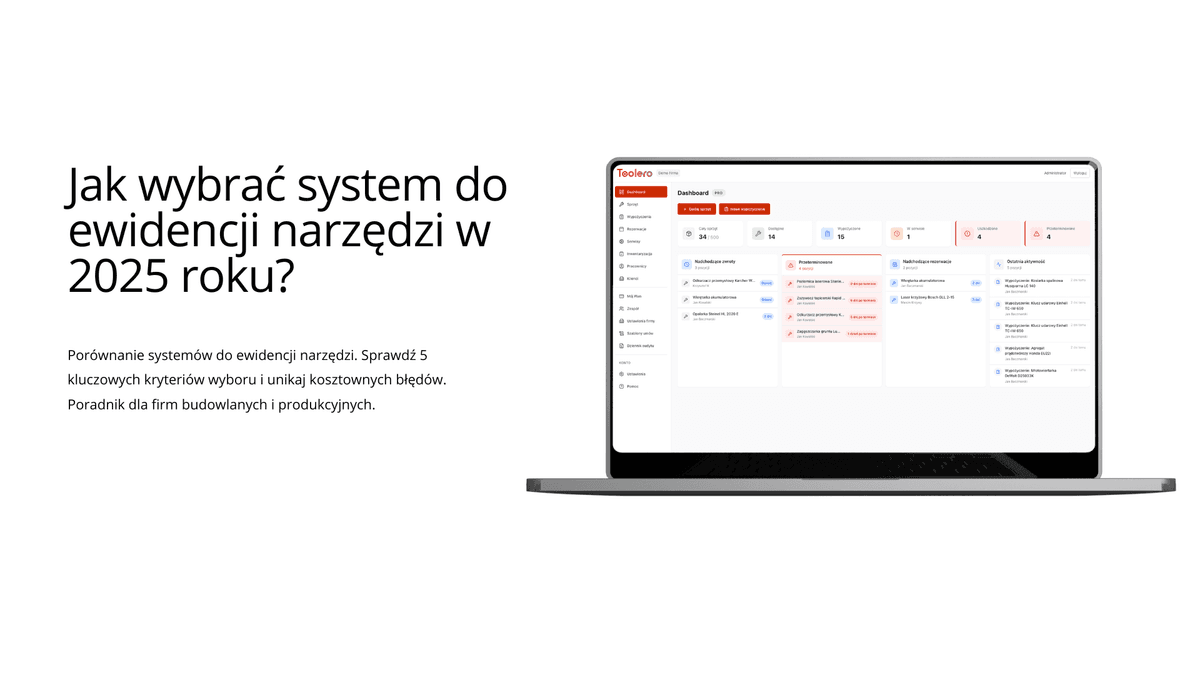
A dedicated equipment tracking system solves all of Excel's problems, but it costs money. The question is whether the difference is worth the price. If you're weighing your options, here's a deeper look at how to choose a tool tracking system that fits your company.
Change history is recorded automatically. Every checkout, every return, every edit - you know who, when, what. No digging required - the system shows a timeline for every item.
Phone access works out of the box. Open your browser, scan a QR code, one tap and you're done. A worker in the field registers a checkout in three seconds, without calling the office.
Reminders send themselves. Return date passes - the worker gets a notification. Maintenance due next week - the manager gets an alert. You don't have to remember; the system remembers for you.
Reports generate automatically. How much equipment is at each location, what's used most often, what breaks down most frequently. Data for decision-making instead of guesswork.
What Does the Switch Cost?
A dedicated system subscription typically runs $25-75 per month, depending on users and features. Toolero's Business plan starts at $25/month for the basic tier.
QR labels are a one-time cost of $12-35 for 100 laminated pieces. A label printer if you want to print your own runs $75-150, but you can skip it by ordering pre-made labels.
Setup time is 2-4 hours. Import your data from Excel, stick labels on equipment, run a quick team training session. The next day, the system is live.
Return on investment? If you're losing one piece of equipment worth $125 per month, the system pays for itself in two months. If you save 4 hours monthly on searching and updating, at $25/hour that's another $100 in savings.
If you're spending more time fighting your spreadsheet than managing your equipment — try Toolero. Import your Excel data in minutes. Free for 14 days, no credit card required.
What the Transition Looks Like
The process is simpler than you think.
Export your data from Excel to CSV. Create an account in the new system - most offer a 14-day free trial for testing. Import the CSV; the system recognizes columns and creates equipment records.
Next, print QR codes and stick them on your equipment. This is the only time-consuming part - with 200 items, it takes a few hours. But you only do it once. If you want to handle that step yourself, our QR code labels DIY guide walks you through the entire process.
Finally, a quick team training session. 15 minutes is enough to show how scanning and checkout registration works. Most people figure it out intuitively after their first scan.
Stick with Excel If...
Excel is enough if you have fewer than 100 pieces of equipment, one person manages the tracking, you don't need history or alerts, and your team doesn't require mobile access. In that situation, investing in a dedicated system might be overkill.
Download our template, track your equipment properly, and revisit the question in a year. Maybe the situation will change. Maybe it won't.
Switch to Software If...
It's time for a dedicated system when your equipment count passes 100 items, your team grows beyond two people, you're losing control of checkouts, field workers need real-time information, or you're simply tired of manual updates.
Ben from the beginning of this article switched to Toolero eight months ago. He no longer spends an hour a day on Excel. Pumps don't go missing at client sites. And his workers stopped calling to ask "where's the generator" - they check on their phones themselves.
That's the difference between a spreadsheet and a system. A spreadsheet demands your constant attention. A system runs on its own.