Tom runs an e-bike and mountain bike rental shop in Carbondale, Colorado — at the foot of the Rockies, half an hour west of Aspen. 64 units in summer; in winter the shop turns into a ski and snowboard rental. Two people in the office, one warehouse hand. In March he picked up a call from a front desk clerk at a hotel in Aspen — a guest had planned a weekend riding the Maroon Bells trails and needed an e-bike.
"You got one? Because the guest is asking if we can recommend something."
Tom did. But the guest was in Aspen, Tom was in Carbondale, and the hotel was hearing about this rental shop for the first time. Delivery, availability, price — everything had to be settled by phone, in three calls, with two breaks to check the calendar in Excel.
He earned $120 on that booking. He lost two hours and forgot about it twice.
Sound familiar?
Three New Features That Change How Customers Find Your Rental Shop
Over the past few months, Toolero has shipped three features that together add up to something Polish — and most American — rental shops haven't really had before: the entire customer journey, from the first click to the equipment coming back to the warehouse.
These aren't three separate items on a "what's new" list. They're one system in three layers:
- Public catalog — your inventory visible online, 24/7, to anyone with a link
- Online reservations — customers pick dates, check availability and leave their contact info themselves
- Partners — hotels, B&Bs, bike shops can reserve on your behalf and act as your booking points, with no account to set up
Let's start with the foundation the other two stand on.
Public Catalog — Your Rental Shop on Your Customer's Phone
The public catalog is your rental shop's public address — toolero.com/r/your-shop. The customer opens it on their phone, sees the list of available equipment with photos, categories, descriptions and prices. No login. No account. No app to download.
But this isn't a webshop. It's a live availability calendar.
The customer picks rental dates — and the system immediately shows what's available in that window. E-bike booked Friday through Sunday? The customer sees that before they call you and before you open Excel.
What You Actually Get
Pricing that fits the rental period — the system shows the price per hour, day, week, month or as a flat rate, depending on how long the customer takes the equipment. You set the pricing model per item, and the customer sees the final amount — no more "and how much is that for 4 days?".
Net / gross mode — set once, for the whole shop. All pricing tiers respect the choice, so business customers see net prices and individuals see gross. No manual recalculations.
Visibility per item — don't want to display that older bike that still rolls but isn't your showpiece? Hide it from the catalog with one click (eye icon in item settings). The bike still works internally — it just doesn't show up on the public list.
Catalog on your own website — Toolero generates a ready-to-paste embed snippet. You drop it on your site and the catalog runs there, on your own domain, without writing a single line of code.
To the customer it looks like a modern reservation system. For Tom it means that two months ago, the guest at the Aspen hotel could have checked the e-bike, picked dates and submitted a request himself — without three phone calls.
But something has to happen on the other side of that screen. That's where reservations come in.
Online Reservations — What Happens When a Customer Clicks "Reserve"
A reservation is not a rental. It's a customer's request: "I want this bike on these dates, check it for me." Every reservation in Toolero moves through a few stages: pending → confirmed → converted to a rental, or cancelled.
Sounds bureaucratic? It's exactly the opposite. These stages exist so that Tom doesn't rent the same e-bike twice on the same Saturday.
Conflict Detection That Excel Can't Do
Toolero checks every new reservation against all other reservations and active rentals. If the bike is already reserved or rented for the chosen days — the system says so immediately. The customer won't get a confirmation you'll have to cancel later.
Sounds banal — until you have to cancel the first Memorial Day weekend reservation at 8 a.m. on Saturday.
Timeline — A Calendar That Spots Conflicts Instantly
The standard reservation view is a list. But there's also a Timeline — a chart where every reservation is a bar on a line of days, and every piece of equipment has its own row. Conflicts jump out — the bars overlap, the color shifts, and you know something has to move.
You can grab a reservation with the mouse and drag it a day, if the customer agrees. No going into a form, no editing the date with one finger.
Convert to Rental in One Click
Customer picking up the equipment? You click "convert to rental" and the system creates a new rental with everything filled in: customer, dates, items, price. You don't type anything twice.
A reservation in Toolero can be internal (for staff) or external (for a customer). If you want to "block" a piece of equipment for inventory, service or your own trip — you use an internal reservation, and the same conflict logic makes sure nobody rents it during that time.
This all sounds great, but so far it's still one catalog, one shop, one channel. Now comes the part this article is really about.
Partners — Open Ten Booking Points Without Opening a Single Branch
Back to Tom. His real problem isn't that he doesn't have a catalog. His real problem is that the guest in Aspen has no idea Tom even exists.
The Aspen hotel knows. The bike shop in Denver knows. The cabin rental company in Snowmass knows. Tom has been recommending them, they've been recommending Tom, sometimes they call. But there was no honest way to channel that traffic — let alone measure it.
Partners in Toolero solve this surprisingly simply.
How It Works
Tom goes to Settings → Partners and adds the hotel: name, contact email, phone, a note ("5% commission, contact: Karen at the front desk"). The hotel gets its own link:
toolero.com/r/tom-bikes/p/aspen-hotel
It's the same catalog, the same equipment, the same prices — but every reservation that comes from this link is tagged as a reservation from the Aspen hotel.
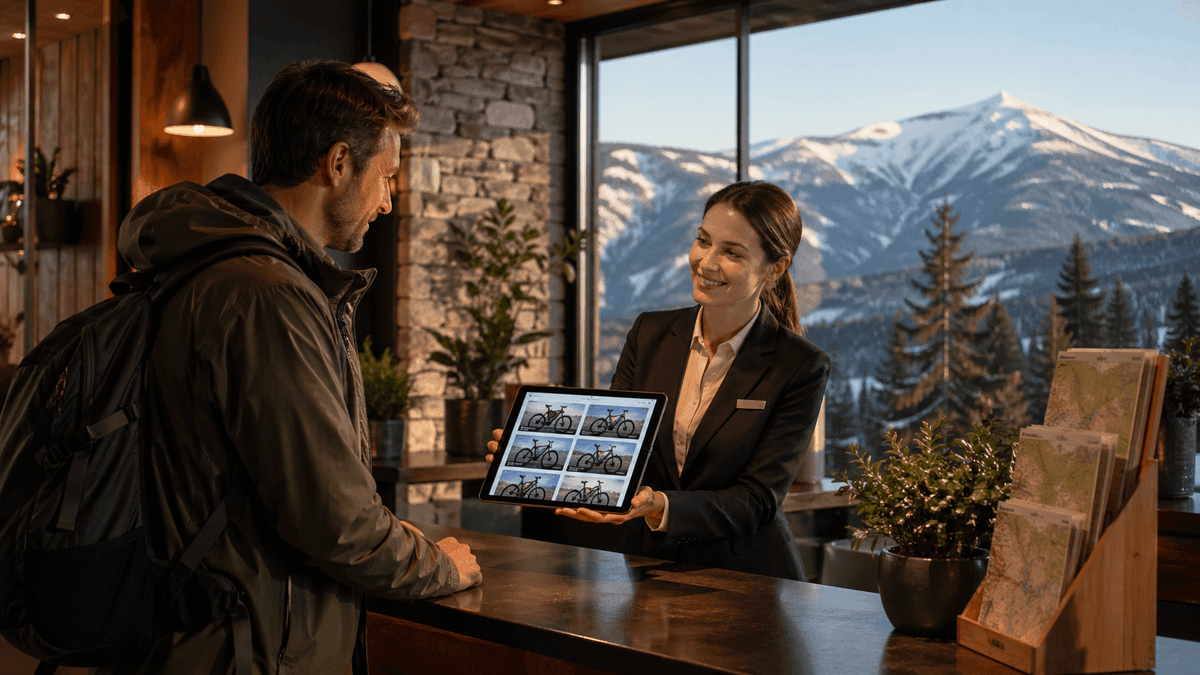
The hotel guest opens the link the front desk gave them. They see in the header: "Booking through: Aspen Hotel". They pick a bike, dates, leave their contact. Tom gets a notification with the "Aspen Hotel" tag on the reservation.
And that's the key. No accounts. No separate panel. No partner login. The hotel just has a link they share with guests.
Why This Isn't an "Affiliate Program"
Classic affiliate systems require the partner to set up an account, a panel with links, cookie tracking, fighting ad blockers. 80% of partners don't log in, 60% don't paste the links, 40% of actual sales are never attributed to them.
Toolero's partner system requires nothing from the partner beyond sharing a link. The receptionist doesn't have to log in. The shop doesn't have to remember anything. The link is public, it always works, attribution runs through the URL itself — no cookies, no tracking, no privacy gray zone.
What Tom Sees in the Dashboard
In the reservation list, every entry has a "Partner: X" tag. You can filter by partner and see:
- How many reservations came from each channel
- How many of them turned into rentals
- How much you earned from a specific partner in a given month
This is what Tom never had when partners were just verbal referrals. Now he knows exactly: the Aspen hotel generated 14 reservations in March, 11 of which closed, average value $80, commission to pay out: $44.
If you have reservation history with a partner, the system won't let you delete them — only deactivate them. This is intentional: you keep the full history and can always check who generated what revenue. Deactivation disables the link, but the data stays.
Real Scenarios Where This Makes Sense
Mountain or beach hotel — a guest asks about a bike, a SUP, skis or a kayak. The front desk sends the link, the guest reserves on their own, and the hotel earns commission without running its own rental shop.
B&B or mountain ranch — the host has a few bikes for guests, but in season there's never enough. Instead of turning guests away, they hand out a link to a partner rental shop with delivery to the cabin.
Bike or sporting goods shop without a rental — they sell parts, gear and service, but when a customer asks for a bike to test for the weekend or a SUP for vacation, the answer used to be "we don't have those." Now they share a link and earn commission from a partner rental shop.
Another rental shop in a different region — Tom doesn't drive bikes to Lake Tahoe. The Tahoe rental shop doesn't have downhill MTBs. They swap partner links and share the traffic.
Campground or resort operator — hands every guest the partner link at check-in. Every reservation is tracked, reports come in aggregated, commission is settled monthly.
These are channels that used to live only as "a friend of a friend recommended them." Now they're countable, controllable and can grow.
How It All Works Together
One customer, three layers:
- The customer opens the partner's link (
/r/tom-bikes/p/aspen-hotel) - They browse the public catalog with the partner's name in the header
- They pick dates, equipment, leave their contact info — that's an online reservation
- Tom gets a notification with the partner tag
- Tom converts the reservation into a rental with one click
- After the equipment comes back, everything stays in the report attributed to the partner
Six steps. Zero double-entry, zero confusion, zero reservations lost in the front desk's email inbox.
This is the kind of online sales channel American rental shops haven't really had — and the larger international rental chains have been building systems like this for years.
How to Get Started — Step by Step
If you're already using Toolero, all three features are available in the panel. Setup takes about an hour.
1. Turn on the public catalog. Settings → Public catalog → enable, pick a slug (e.g. tom-bikes), set up contact info, and optionally add a custom message ("Questions? Karl: (970) 555-0143").
2. Check item visibility. By default, all items are visible in the catalog. Hide the ones you don't want to display (eye icon next to each item).
3. Set up pricing and net / gross mode. Settings → Pricing → choose net or gross mode, and make sure the price tiers match what you actually charge the end customer.
4. Add your first partner. Settings → Partners → "Add partner" → name, contact, commission note. The system generates the link. Send the link to the partner by email with a short description ("this is your booking link, every reservation from here counts as yours").
5. Test. Open the partner link in a private browser window, make a test reservation, check that the partner tag shows up in the panel, then delete the test reservation.
That's it. The rest is just handing out links — to receptionists, shops, B&Bs you know.
What Tom Did After Setting It Up
Six weeks after configuring partners, Tom had:
- 4 active partners (2 hotels in Aspen and Snowmass, a B&B near Carbondale, a bike shop in Denver)
- 47 reservations from partners (38 of which converted into rentals)
- $3,000 in revenue from a channel that didn't exist before
- Exactly zero hours spent settling things by phone for those particular bookings
The Aspen hotel sent him a $150 commission invoice in April. Tom paid it without batting an eye. It was the cheapest customer acquisition he'd ever had.
How a seasonal rental shop can attract more customers online and how to price rentals so they actually pay off are two pieces that pair well with what we covered above. If you run a rental shop and you're not selling online yet, start with the page for rental businesses — we lay out there how Toolero plugs into a typical rental workflow. And if it's specifically equipment reservations you're after — that's a separate page with a concrete scenario.
Open ten booking points without opening a single branch
Set up the public catalog, turn on online reservations and add your first partner in about an hour. Toolero has all three features in one panel — no plugins, no integrations, no waiting on developers.