How Toolero works in practice
Stories of companies that organized their equipment, cut rental handling time and regained control over operations.
Using Toolero
Customer stories
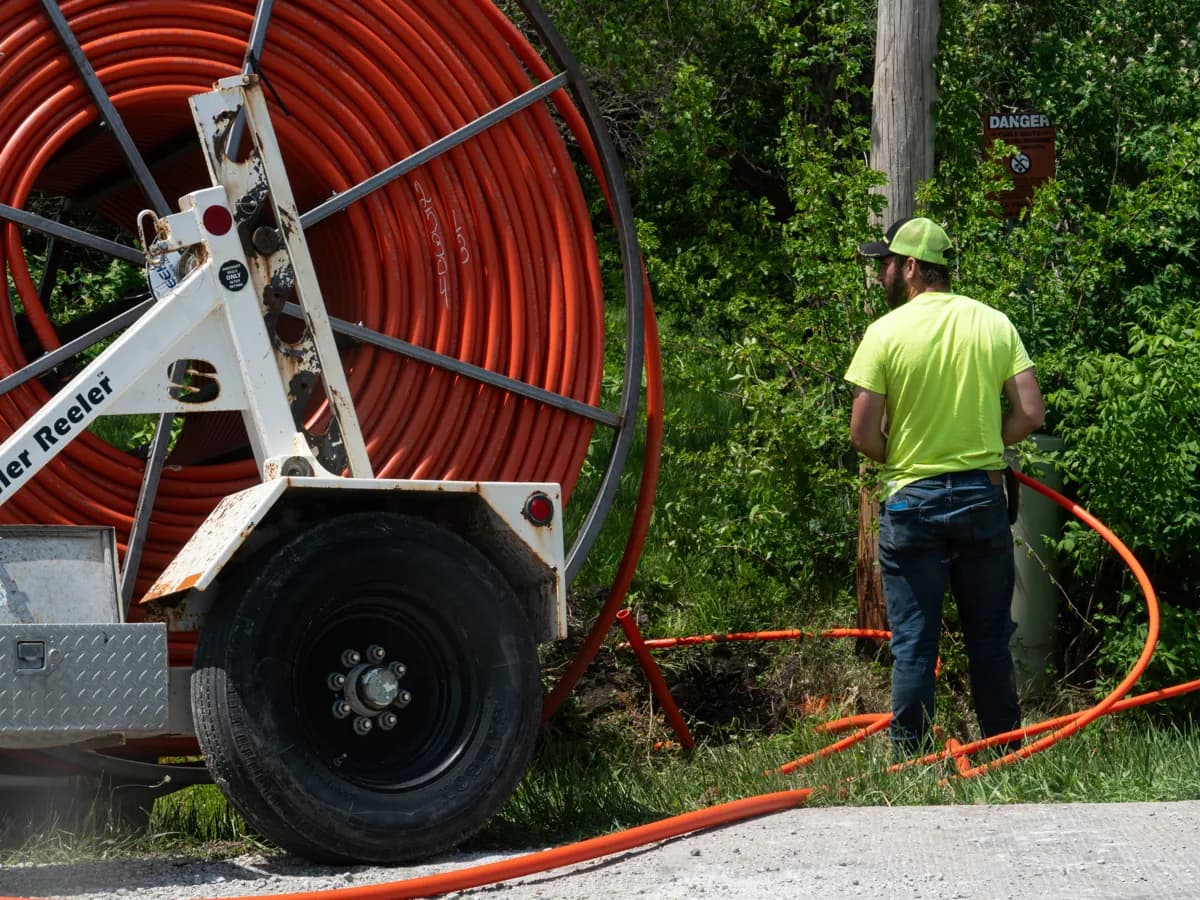
100%equipment on record
 Fiber optic infrastructure
From 40% to 100% equipment tracked. About 25,000 PLN saved annually.
A small fiber-optic network contractor with five field crews took control of nearly 70 tools and splicers. No more duplicate purchases, no more equipment disappearing between crews.
5 min readRead the story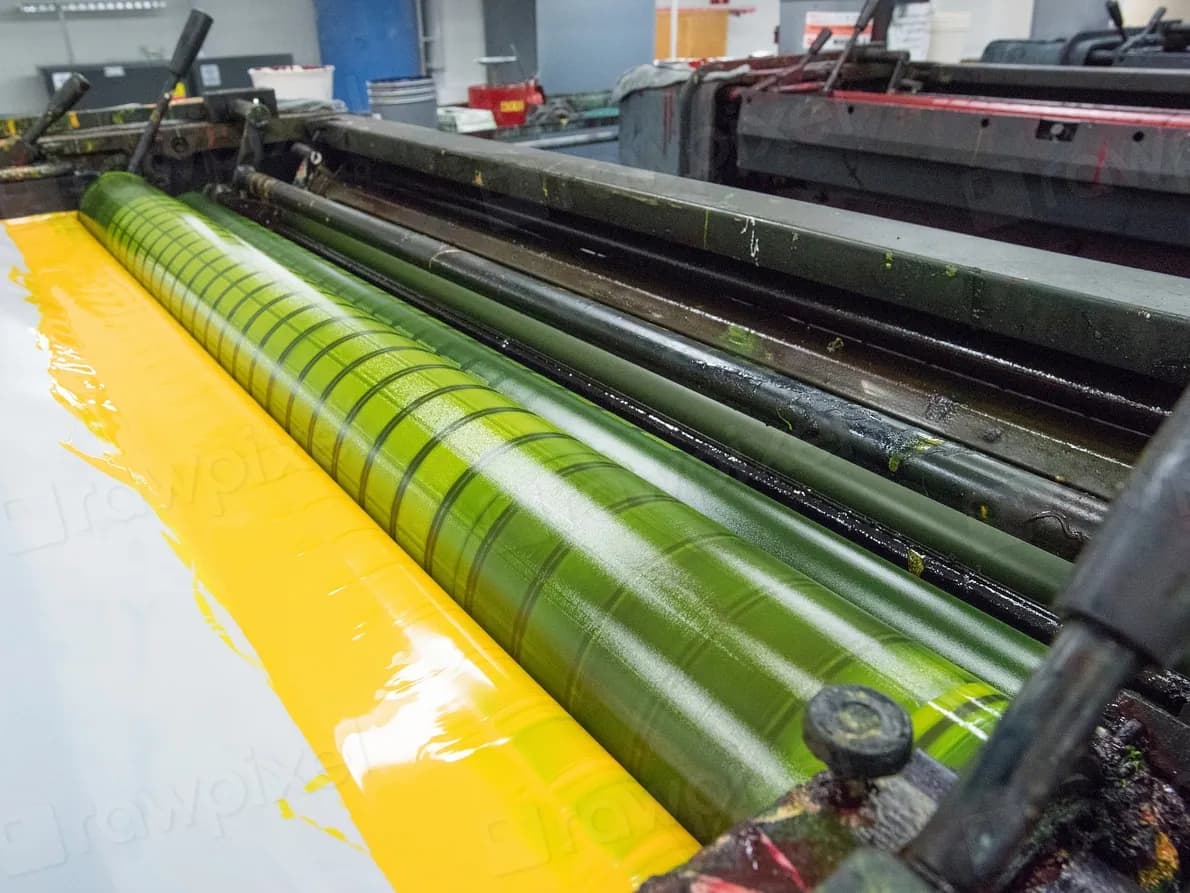
RFIDinstead of barcodes
IKEA IndustryFurniture manufacturingCustom glue-roller tracking on the production line - replacement planned instead of emergency.
For IKEA Industry we built a dedicated glue-roller tracking module within the Toolero ecosystem. Every roller's full lifecycle is measured, planned and reported.
5 min readRead the story
Does your company have a similar problem?
Each of these rollouts started with a conversation about how work with equipment looks today. Tell us about yours and we will show you how to set it up in Toolero.
Talk to usLabels that fit the conditions
QR stickers, Zebra printer labels, NFC or RFID. We pick what will survive on your equipment.
Deadlines watched by the system
Inspections, calibrations and consumable expiry dates. Toolero reminds you about them before they become a problem.
Modules for unusual processes
When a standard register is not enough, we add fields, integrations and automations. That is how the IKEA Industry module was built.
Before you start
Q1How long does a Toolero rollout take?
You can create an account in minutes and add your first equipment the same day. A company with a dozen or so tools usually finishes setup in 1-2 days, a company with several dozen employees in 1-2 weeks, mostly spent physically labelling equipment.
Q2Do I need an implementation partner or integrator?
No. Toolero runs in the browser on a computer, tablet and phone, with nothing to install. We help with the start and with training your team, and a dedicated rollout with an SLA is available on the Enterprise plan.
Q3Does Toolero keep track of inspections and expiry dates?
Yes. For every unit you can set a service schedule and consumables with a replacement date. Toolero shows what needs attention, and on Business plans and above it also sends email reminders.
Q4How do I label my equipment?
Toolero generates QR codes and PDF labels, including a format for Zebra printers. It also supports barcodes and NFC tags, and RFID in tailored rollouts.
Q5Can Toolero be adapted to an unusual process?
Yes. For companies whose process goes beyond a standard register, we build extra fields, integrations and automations on top of Toolero. Tell us what you need.
Q6Can I try Toolero before buying?
Yes. You get 7 days of full access for free, no card required.
Want a similar story for your company?
Set up Toolero in an hour, start tracking equipment the same day. No integrators, no long deployments.
No credit card. Full access for 7 days.