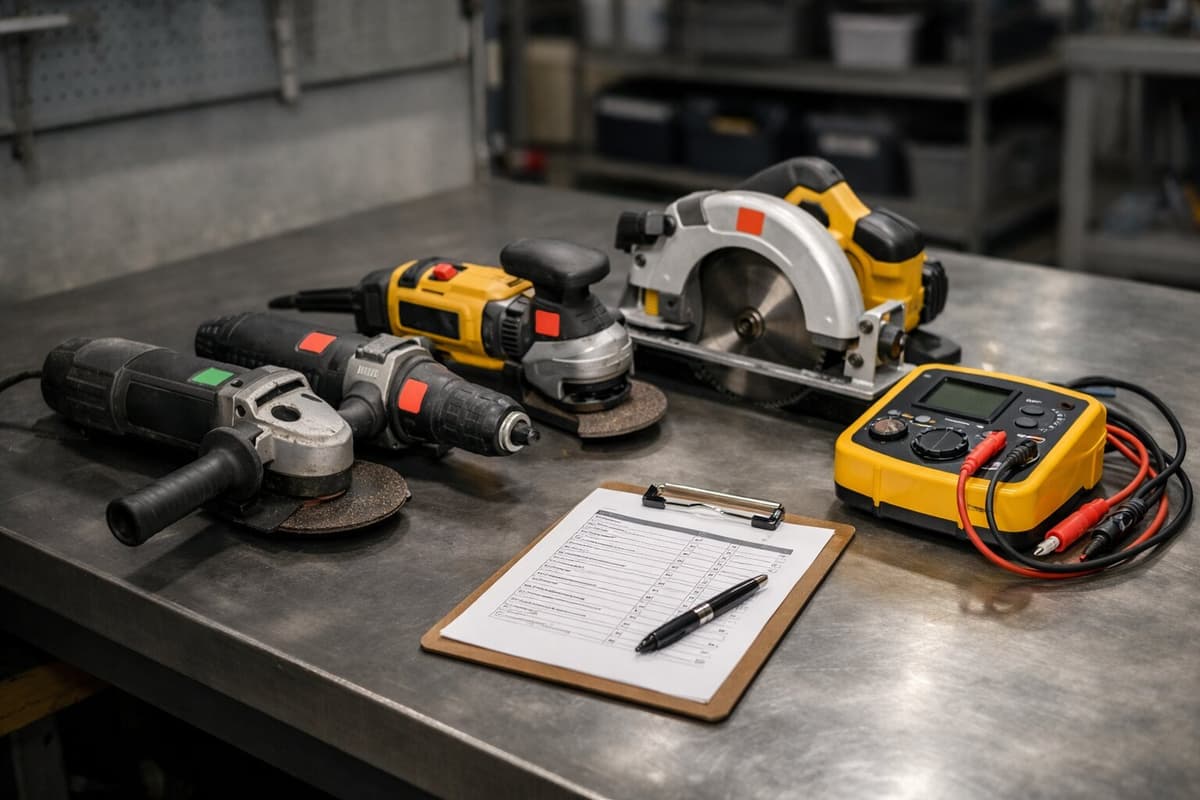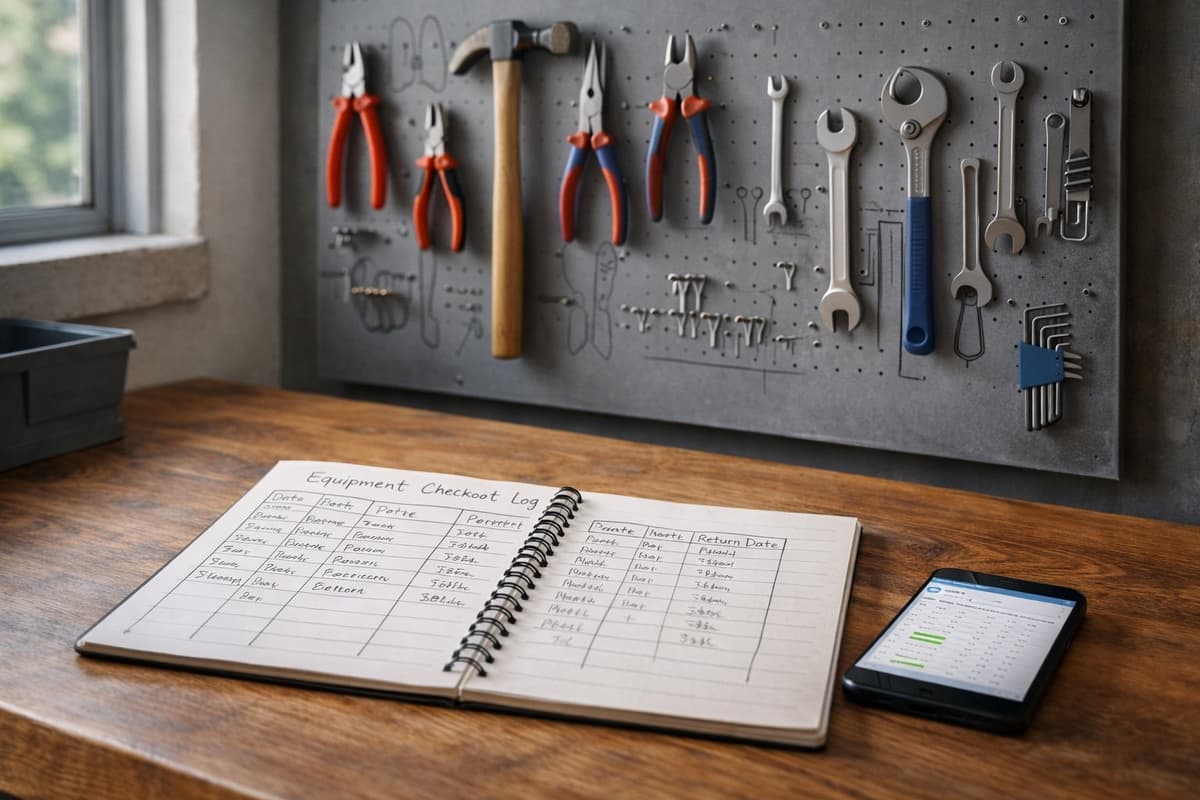
Jake has been running a renovation company for seven years. Ask him about his tools and he'd always say the same thing: "We've got around 200, maybe a few more." He never counted. Why bother? He knew what he bought. Remembered more or less.
In December, he decided to do an inventory audit. First time in the company's history.
The result: 127 tools. Not "around 200." Not "maybe a few more." Exactly 127 items that could be physically located and counted.
The rest - worth $12,000 - had been swallowed by job sites, truck beds, junk drawers, and "loans" that were never returned.
Why "I roughly know what I have" is an expensive illusion
Every business owner thinks they know their equipment. And every one of them is wrong. Not out of carelessness - it's human nature. We remember big purchases: the $2,000 core drill, the $1,000 laser level. We don't remember thirty angle grinders at $150 each, bought one at a time over the course of a year.
And it's exactly that "small stuff" that racks up the biggest losses. Nobody steals a Hilti rotary hammer - it's too distinctive. But an angle grinder? A spirit level? A laser distance meter? They disappear quietly, without a trace.
Companies doing an inventory audit for the first time discover shortages of 15-25% of their equipment value. With $75,000 in tools, that's $11,000 - $19,000. That number usually shocks more than anything else - here's a breakdown of how much lost equipment really costs.
There's another problem. Without an audit, you don't know what you have - so you buy duplicates. The storage room has three identical socket wrench sets because every time someone needed one, they couldn't find the existing set and bought a new one. You're multiplying costs because you don't have a list.
Preparation: what to do before you start counting
An audit without preparation is a wasted weekend. I know because I've seen companies that kicked things off "Monday morning" and ended up with a bigger mess than before.
Define the scope
You don't have to count everything the first time around. Start with tools above $75 in purchase value. Screwdrivers and hex keys can wait.
Create a list of categories:
- Power tools (drills, grinders, saws)
- Measuring equipment (lasers, levels, rangefinders)
- Machinery (compactors, mixers, generators)
- Height access equipment (scaffolding, ladders)
Gather everything in one place
This is the hardest part. Tools are on job sites, in vans, in the warehouse, at workers' homes ("I need to finish something this weekend"). You have to get everything back.
Pick a day - Saturday works best, when job sites are idle. Tell your crew a week in advance: "Saturday we're doing inventory. All company tools must be back in the warehouse by Friday at 4 PM. No exceptions."
There will be exceptions. Someone will forget. Someone won't make it in time. That's normal - just note what didn't come back and from whom.
Get your counting tools ready
You'll need: a laptop or tablet with a spreadsheet, a camera (your phone works fine), markers to tag counted equipment, numbered stickers.
Step by step: the weekend audit
Saturday morning: sorting
Lay out tools by category. Power tools on one table, measuring gear on another, machinery against the wall. Don't mix them - sorted tools can be counted three times faster.
Step 1: Physical count
Go tool by tool. For each one, record:
- Name and model (not "drill" - "Bosch GBH 2-28 F")
- Serial number (on the nameplate)
- Condition: working / needs inspection / needs repair / write off
- Approximate current value
- Intended location (main warehouse, van #2, job site X)
Mark every counted tool with a sticker - so you don't count it twice.
Step 2: Photo documentation
Take a photo of each tool - one is enough. It helps with identification and condition assessment. Doesn't need to be professional; just clear enough to show the model and condition.
Write the asset number on a piece of paper and place it next to the tool before taking the photo. You get visual identification and the number in a single shot. Saves a lot of time when sorting through everything later.
Step 3: Compare with expectations
Now the moment of truth. Compare what you counted with what you thought you had. Or - if you have them - with your purchase records.
Check invoices from the last 2-3 years. Add up the value of tools purchased. Compare with the value of what's on the table.
The difference is your real loss. For Jake, it was $12,000. For you it might be less - or more. But at least you'll know.
Saturday afternoon: conclusions
You have a list. You have photos. You have values. What's next?
Sort tools into decision groups:
- Working, needed - go back to work with an asset number
- Needs repair - get a repair quote vs. cost of new. If repair costs more than 60% of a new one - buy new
- Surplus - sell, give away, dispose of. Tools sitting in the warehouse "just in case" are frozen cash
- Missing - note what should be there but isn't. That's your loss report
How to tag tools so you never count "by feel" again
An audit without a tagging system is a one-time event. In six months, you'll be right back where you started.
Every tool needs a unique identifier. You have three options.
Numbered stickers - cheapest, but require manual lookup in the database. A worker sees "RH-047" and has to open Excel to find out what it is.
Engraving - permanent, but irreversible and time-consuming. Good for large machinery.
QR codes - the optimal balance. A worker scans with their phone and instantly sees: what the tool is, who last had it, when it was last serviced. Takes 2 seconds.
Regardless of method - tag everything the same day. A tool without a tag is invisible in the system. And invisible means easy to lose.
Excel, an app, or a system - what to use after the audit
You've got your list, you've got your tags. Now you need a place to store and maintain all of it.
Excel - free, familiar, flexible. Works for up to 50 tools. Beyond that, you get version nightmares ("which file is current?"), no access from the field, manual data entry. If you have a small company and a disciplined person keeping it up - it might be enough.
Phone app - better accessibility, worse organization. Most free apps are glorified notepads. They lack reports, history, and multi-user permissions.
Online system with QR - full control. Phone scanning, checkout history, automatic notifications, reports. Cost: a few hundred dollars a year. Pays for itself with the first tool that doesn't go missing because of it.
If you have more than 80 tools and more than 5 workers - Excel isn't enough. We cover this transition in detail in our guide on how to choose a tool tracking system. I've seen this play out at dozens of companies. The spreadsheet starts living its own life, versions multiply, and nobody knows which one is current.
If you want to keep track of your tools after the audit — with QR codes, checkout history, and automatic alerts — try Toolero. Free for 14 days, no credit card required.
How to maintain order after the audit
The audit is the starting line, not the finish. Without a plan for the months ahead, you'll end up right back where you started.
Rule 1: Every new tool goes into the system immediately. Bought a new grinder? Before it goes to the job site - asset number, photo, QR tag. Five minutes. If you put it off until "later" - "later" never comes.
Rule 2: Quarterly spot checks. Once every 3 months, check the list. Compare the system with reality. Takes 2-3 hours, but catches problems before they snowball.
Rule 3: One person owns it. Designate someone who's responsible for the inventory. Not "everyone" - "everyone" means nobody. A specific person, a specific responsibility. Warehouse manager, site supervisor, office admin - whoever, but one person.
Rule 4: Checkout procedure. Every tool that leaves the warehouse must be logged. QR scan, tap "checking out" - 3 seconds. No exceptions, no "I'll bring it right back so I won't scan."
What Jake did after the audit
Jake - the one with $12,000 in losses - needed two weekends. The first for the audit. The second for tagging everything with QR codes and entering it into the system.
A year has passed since then. The last quarterly spot check showed one discrepancy: a tool needing repair that a worker hadn't reported. Value: $110. Compare that with $12,000 a year earlier.
Jake says the hardest part was that first weekend. Coming face to face with a number that hurts. But he adds: "I'd rather know and act than not know and keep losing."
Your company probably has its own number. The question is - would you rather find out now, or after another year of losses?