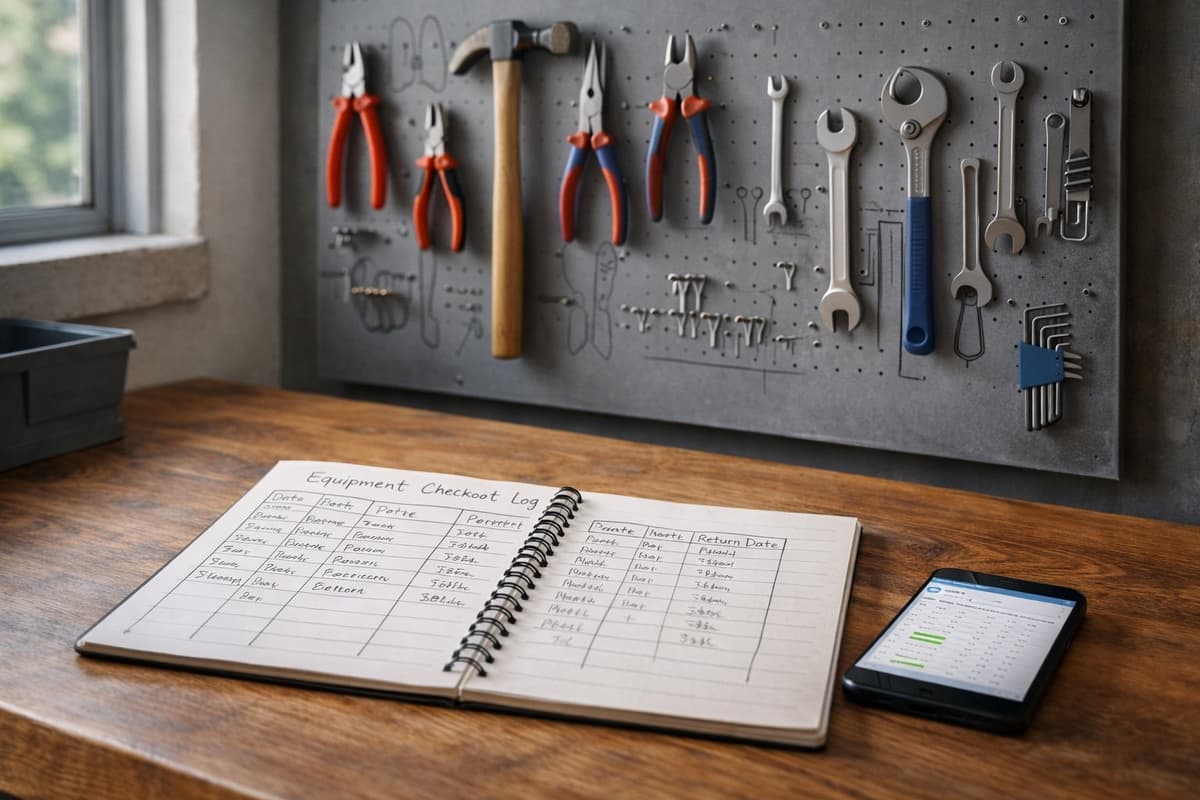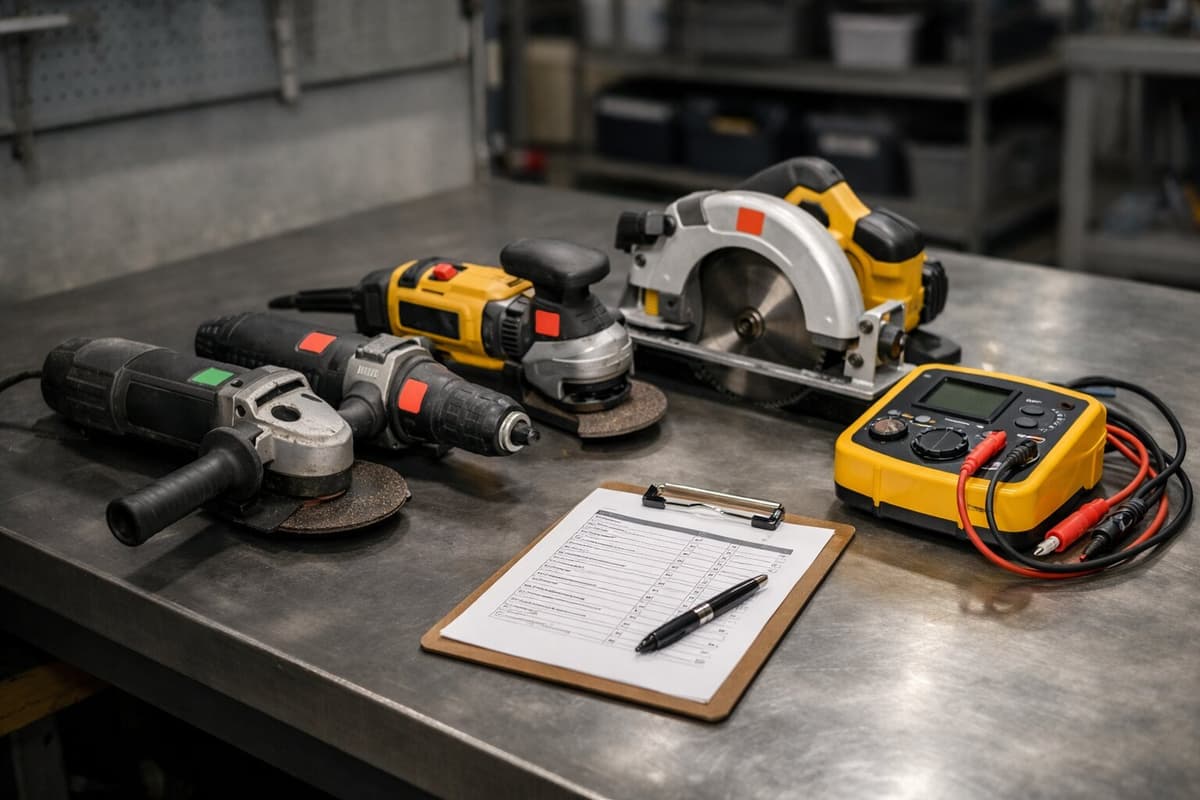
Tom from Portland bought 20 angle grinders — same model. Black housing, yellow stripe, identical twins. After three months nobody knew which was whose.
Workers grabbed "whatever" from the job box. Three grinders broke down — nobody knew when, nobody reported it.
Tom spent an afternoon with a paint marker, numbering grinders 1 through 20. Problem solved? For a week. After a week on the job site, the marker wore off. After a month, half the numbers were unreadable.
The problem wasn't that Tom marked his tools. The problem was that he picked the wrong method for his working conditions.
This article compares 6 marking methods — from free to professional — so you don't have to test each one the hard way.
Comparison criteria
Each method is evaluated on five criteria:
- Startup cost — how much you spend before marking your first tool
- Cost per tool — how much it costs to mark one tool
- Durability — how long the marking lasts in workshop, manufacturing, and construction conditions
- Identification speed — how long it takes to read the marking and find the tool in your system
- Scalability — whether the method works at 20 tools and still works at 500
Method 1: Marker / paint
The oldest method in the book. Oil-based marker, white correction paint, nail polish (yes, companies do this).
Startup cost: $5–$10 (oil marker or paint pen) Cost per tool: practically $0 Durability: 1–4 weeks on a construction site, 2–6 months in a workshop Identification speed: read by eye, then manual lookup in system — 30–60 seconds Scalability: manageable up to 30 tools, chaos beyond that
Pros:
- Zero cost
- Start immediately
- No equipment needed
Cons:
- Wears off quickly on job sites
- Looks unprofessional
- No automatic link to a system — you type the number manually
- Easy to create duplicates (two tools with the same number)
Best for: Sole proprietors, under 20 tools, workshop conditions. As a temporary solution — fine. As a permanent one — no.
Method 2: Engraving
A number etched into the tool housing. Permanent, readable, impossible to remove.
Startup cost: $25–$70 (handheld electric engraver) Cost per tool: $0 (labor time: 2–5 minutes) Durability: practically unlimited — the engraving outlasts the tool Identification speed: read by eye + manual lookup — 30–60 seconds Scalability: up to 100 tools without issues, beyond that the engraving time adds up
Pros:
- Permanent — can't be wiped, washed, or peeled off
- One-time equipment investment
- Readable even after years of heavy use
- Deters theft (visible owner marking)
Cons:
- Requires manual work (2–5 minutes per tool)
- Can't be scanned automatically
- Looks great on metal housings, less so on plastic
- May void manufacturer warranty
Engrave on a flat surface on the side of the housing, not on the manufacturer's label. Format: company initials + number (e.g., KB-047). Avoid engraving on moving parts or near ventilation openings.
Method 3: Barcodes
Classic barcodes — the same kind you see at the store. Print a label, stick it on, scan with a reader or phone.
Startup cost: $0–$200 (free generator + regular printer, or a label printer at $100–$200) Cost per tool: $0.10–$0.30 (label) Durability: 2–6 months (paper), 6–18 months (laminated) Identification speed: scan with phone or reader — 3–10 seconds Scalability: good up to 500+ tools
Pros:
- Fast identification — scan instead of manual entry
- Eliminates errors (no typos)
- Low cost per unit
- Works with most inventory systems
Cons:
- Labels get damaged (especially on construction sites)
- Code must be clean and undamaged — dirty/scratched ones won't scan
- One-dimensional — stores only a number, not a link
- Requires a scanner or app
Best for: Companies with 50–200 tools in warehouse or manufacturing settings. Not ideal for construction — labels deteriorate too quickly.
Method 4: QR codes
Two-dimensional codes you scan with any smartphone. They link to a page, system, or tool card.
Startup cost: $0–$200 (online generator + printer) Cost per tool: $0.10–$0.50 (paper/laminated label) Durability: 2–6 months (paper), 6–18 months (laminated), 2–5 years (metal tags with QR) Identification speed: 3 seconds — scan with phone, tool card opens automatically Scalability: unlimited
Pros:
- Every worker has a scanner — their phone
- Code links directly to the tool card (history, location, inspections)
- Tolerates partial damage (error correction built into QR)
- Free to generate
Cons:
- Paper labels deteriorate (but laminated and metal ones are durable)
- Requires a system on the other end — a QR code without a database is useless
- Worker needs a phone with a camera
If you want to set up QR codes yourself, we have a detailed DIY guide with cost calculations. And if you work in manufacturing, check the specifics of QR codes on the factory floor.
A barcode stores a number (e.g., "047"). A QR code stores a link (e.g., "toolero.com/t/KB-047"). Scanning a QR code shows you the tool card with full history. Scanning a barcode gives you a number you have to look up manually.
Method 5: RFID
Radio chips in plastic tags or stickers. No line-of-sight needed — just bring the reader close.
Startup cost: $600–$2,500 (RFID reader + software) Cost per tool: $1–$5 (RFID tag) Durability: 3–10 years (industrial tags), 1–3 years (RFID stickers) Identification speed: under 1 second, ability to scan multiple tools at once Scalability: excellent at 200+ tools
Pros:
- Instant identification — no aiming, no line-of-sight needed
- Scan multiple tools at once (e.g., an entire job box in 10 seconds)
- Industrial tags are practically indestructible
- Automatic gates — know who took a tool from the warehouse
Cons:
- High startup cost (reader + tags + software)
- Metal interferes with signal — tags on metal tools require special (more expensive) solutions
- Requires specialized equipment (most phones can't read standard tags)
- Deployment is more complex than sticking on a QR code
Best for: Large companies with 300+ tools, rental operations with high turnover, warehouses with control gates. At 50 tools — overkill.
Method 6: Metal tags
Aluminum or steel plates with engraved/etched numbers and optionally a QR code. Riveted or screwed to the tool.
Startup cost: $0 (you order tags, no equipment to buy) Cost per tool: $1–$3 (tag with engraving + QR code) Durability: 3–10 years, even on construction sites Identification speed: read by eye (number) or scan QR (3 sec.) — depends on whether the tag has a QR code Scalability: good up to 500+ tools
Pros:
- Practically indestructible — survives drops, rain, dust, oil
- Professional appearance
- Can combine number + QR code on one tag
- Zero maintenance cost (no label replacement)
Cons:
- Installation requires a rivet gun or screws (5 minutes per tool)
- Can't mount a tag on every tool
- Higher unit cost than labels
- Order lead time: 1–3 weeks
Best for: Construction companies, rental operations, tool fleets exposed to harsh conditions. If your labels don't survive a month — metal tags are the answer.
Comparison table
| Criteria | Marker | Engraving | Barcode | QR | RFID | Metal tag |
|---|---|---|---|---|---|---|
| Startup cost | $5 | $25–$70 | $0–$200 | $0–$200 | $600–$2,500 | $0 |
| Cost / tool | ~$0 | ~$0 | $0.10–$0.30 | $0.10–$0.50 | $1–$5 | $1–$3 |
| Durability (site) | 1–4 wk. | Permanent | 2–6 mo. | 2–6 mo. | 1–3 yr. | 3–10 yr. |
| Durability (shop) | 2–6 mo. | Permanent | 6–18 mo. | 6–18 mo. | 3–10 yr. | 5–10 yr. |
| ID speed | 30–60 sec. | 30–60 sec. | 3–10 sec. | 3 sec. | < 1 sec. | 3–30 sec. |
| Scannable | No | No | Yes | Yes (phone) | Yes (reader) | Optional |
| Weather resistance | Low | Very high | Low | Low–Medium | High | Very high |
| Scalability | Up to 30 | Up to 100 | 500+ | Unlimited | 200+ | 500+ |
Which one should you choose
There's no single best method. There's the best method for your situation.
Choose marker if you have under 20 tools, work indoors, and need something right now. Cost: zero. But know that it's temporary.
Choose engraving if you want permanent marking and mostly have metal tools. Especially if theft is a concern — an engraved owner ID is a deterrent.
Choose QR codes if you want to connect marking with a tracking system. Scan with phone → tool card with full history. Best value for companies with 30–300 tools.
Choose RFID if you have 300+ tools and need instant inventory (scan a job box in 10 seconds) or automatic gates. High startup cost, but it pays off at scale.
Choose metal tags if you work in construction and labels don't survive a month. Combine them with QR codes — the durability of metal + the speed of scanning.
Combining methods
Most companies with 50+ tools combine methods. Popular combinations:
- Engraving + QR code — permanent number on the housing (backup when the label gets destroyed) + QR code for quick scanning
- Metal tag with QR — one solution, durable and scannable
- QR label + engraving as backup — scan QR daily, and when the label wears off, you still have the number on the housing
Companies mark their tools but don't connect the marking to a tracking system. A number on a tool means nothing if you don't have a database where that number has context. Marking is half the solution — the other half is a system that knows what each number means.
How to implement marking step by step
Regardless of the method you choose, the rollout looks the same.
Step 1: Run an inventory
Before you mark, you need to know what you have. Go tool by tool and record: name, manufacturer, serial number, condition, location. We cover this process in detail in our tool inventory audit guide.
Step 2: Set up a numbering system
The number format should be: company prefix + sequential number. Example: KB-001, KB-002... The prefix prevents confusion with another company's numbers (important on construction sites where crews overlap).
Don't number by category (e.g., "DR-001" for drills). When a drill breaks and you replace it with a grinder, the number stops making sense.
Step 3: Physically mark everything
Pick a method (or combination) from the comparison above. Mark all tools in one day — don't spread it over weeks, because halfway through you'll forget which ones already have a number.
Step 4: Enter into the system
Every marked tool needs an entry in your system — whether it's a spreadsheet or a dedicated app. The number on the tool must match the number in the database. One without the other doesn't work.
What it costs — comparison for 100 tools
| Method | Startup cost | Cost for 100 | Annual cost (replacement) | Year 1 TCO |
|---|---|---|---|---|
| Marker | $5 | $0 | $0 (but wears off) | $5 |
| Engraving | $50 | $0 | $0 | $50 |
| QR labels (paper) | $0 | $10 | $120 (12 replacements) | $130 |
| QR labels (laminated) | $150 (printer) | $30 | $60 (2 replacements) | $240 |
| Metal tags with QR | $0 | $150 | $0 | $150 |
| RFID | $1,000 (reader) | $250 | $15 | $1,265 |
Cheapest upfront: marker. Cheapest long-term: engraving. Best functionality-to-cost ratio: metal tags with QR or laminated QR labels.
Tom from Portland eventually ordered metal tags with QR codes. $150 for 20 pieces. Installation took one afternoon. Six months later — not a single tag fell off, not a single number is unreadable. And everyone knows which grinder is whose.
If you want each number on a tool to connect to a complete history — who took it, when it came back, when the next inspection is — check out Toolero. 14 days free, no credit card required.