
Reward loyal customers and build long-term relationships
Individual percentage discounts assigned to customers. Centralized discount management from the customer profile. Your team always knows the agreed rate.
7-day free trial. No credit card required.
Without a discount system you lose customers
Four most common problems of businesses without automatic discounts.
No loyalty rewards
A regular customer pays the same as a new one. They don't feel valued and start looking for cheaper alternatives at your competitors.
Manual discount calculation
Employees must remember who gets a discount and what percentage. Easy to make mistakes - the customer gets the wrong price or no discount at all.
Inconsistent pricing across team
One employee gives a discount, another doesn't know about the agreement. The customer gets different prices depending on who serves them.
Extended service time
Searching for discount information in notes, Excel or emails. Every quote takes longer, the customer waits.
Discounts under full control
Four key benefits of Toolero's discount system.
Individual discount rates
Assign each customer a separate percentage discount. Regular customers, business partners, construction companies - each can have a different discount.
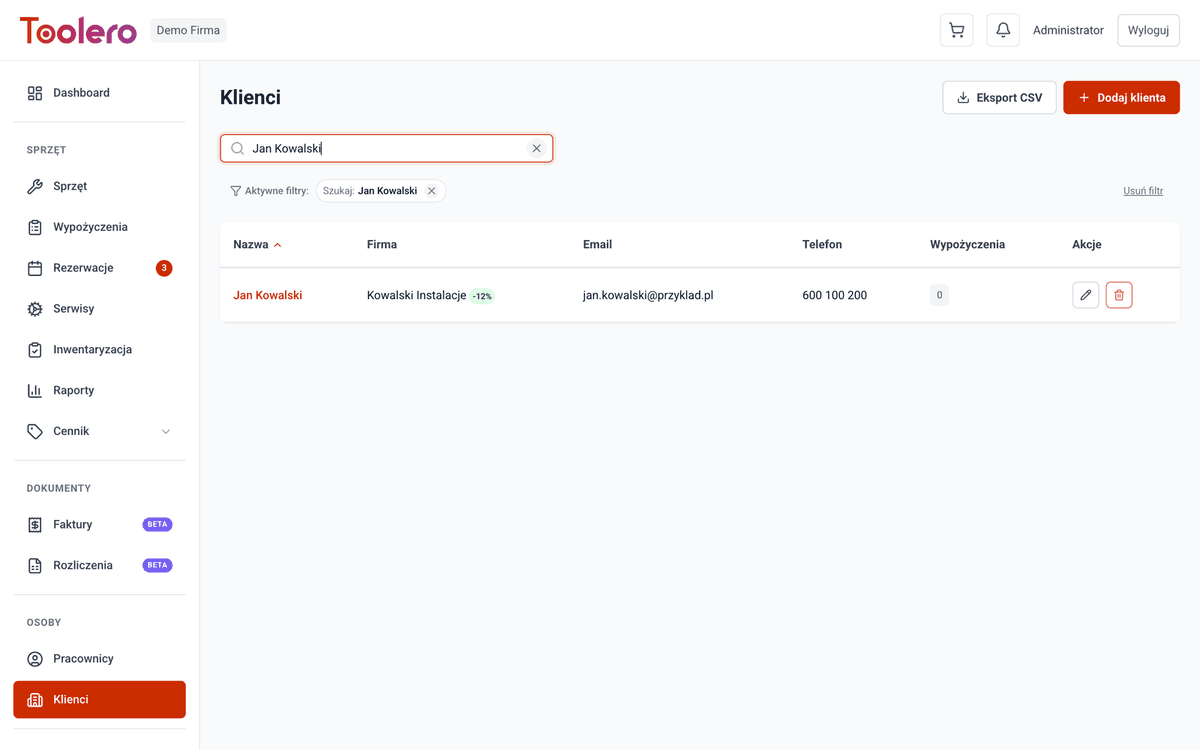
Individual discounts saved on the customer profile
A customer's discount is saved in their profile. When creating a rental you can check the assigned discount and factor it into the quote.
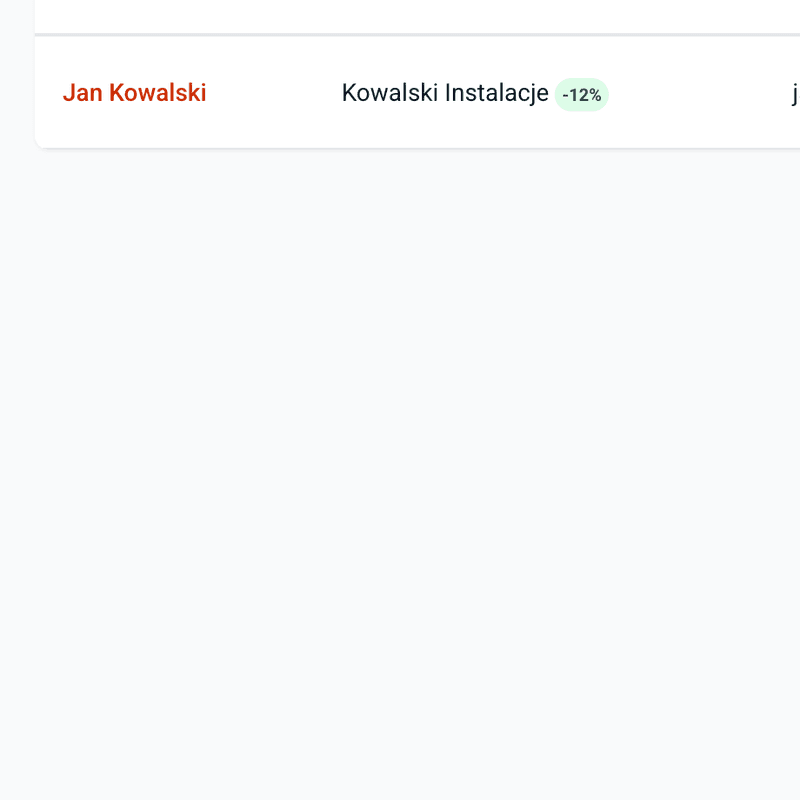
Discount visible on the customer profile
The discount is visible on the customer profile. Any employee can check the assigned rate before creating a rental.
Easy management
Set the discount directly from the customer profile. A change in one place takes effect immediately on subsequent quotes.
Customer discount features
Everything you need for professional discount management.
- Percentage discounts individually assigned to customers
- Discount management from the customer profile
- Individual discounts saved on the customer profile
- Discount visible on the customer profile
- Easy discount editing straight from the customer card
- Available from Business plan and above
How to set up a customer discount
Three simple steps to automatic discounts.
Open customer profile
Go to the customer card in the Customers module. You'll find the discount settings section there.
Set percentage discount
Enter the discount percentage - e.g., 10%, 15% or any value. Save the change with one click.
Done - discount works automatically
When creating a rental for this customer, the team can see the agreed discount in the customer profile and apply it accordingly.
Toolero vs manual discount management
Compare Toolero's automatic discounts with traditional methods.
Frequently asked questions
Which plan includes customer discounts?
Customer discounts are available from the Business plan. Pro and Enterprise plans offer full discount functionality along with advanced price rules.
How does the discount work?
After setting a discount in the customer profile, the agreed rate is visible to your entire team. They can apply it when preparing quotes.
Where is the discount visible?
The percentage discount is visible in the customer profile. Your team can check it before creating any rental or quote.
Can I set different discounts for different customers?
Yes. Each customer can have an individual percentage discount. For example, you can give 5% to a new business customer and 15% to a long-term partner.
Can I change the discount at any time?
Yes. Changing the discount in the customer profile takes effect immediately. The new rate will be applied to all subsequent quotes.
Start rewarding loyal customers
Individual discounts, centralized management, full team visibility. Set once in the customer profile.
Try for free7-day free trial. No credit card required.