
No more cost-free delays and lack of return discipline
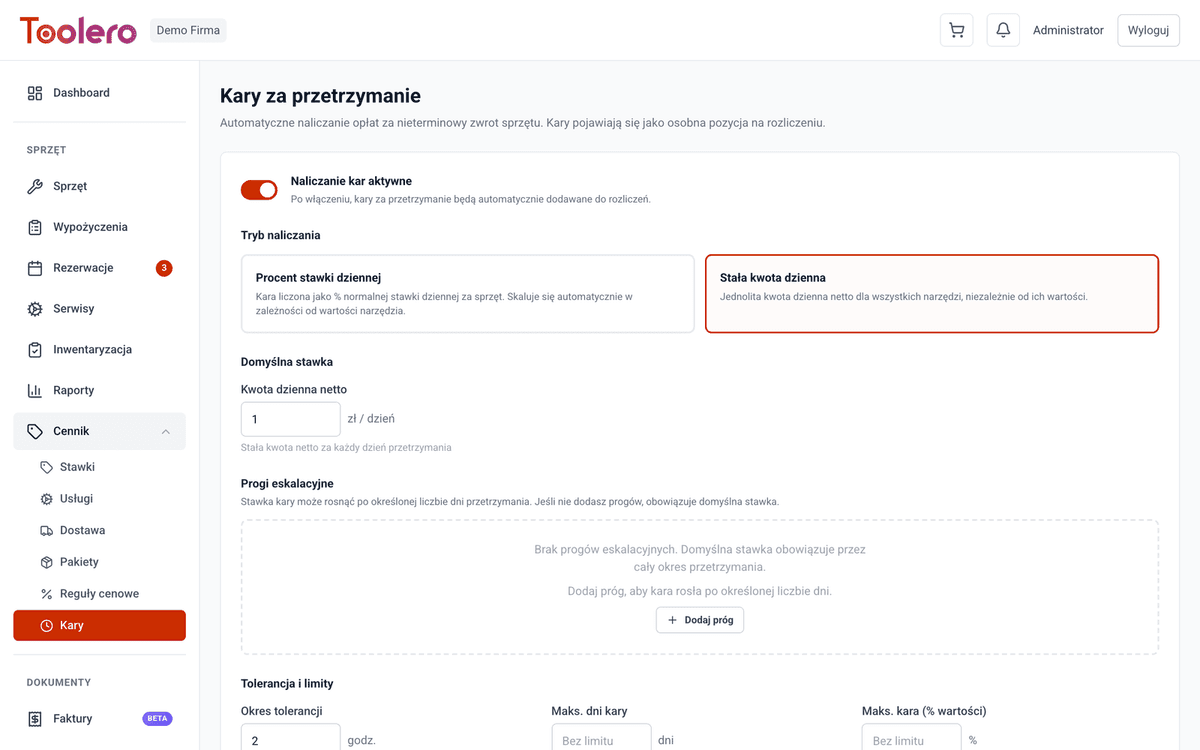
Define automatic penalties for late equipment returns. Grace period, per-hour or per-day calculation, maximum cap. Rules visible in the configuration panel.
7-day free trial. No credit card required.
No late fees costs you money
Four most common problems for rental businesses without a late return penalty system.
No consequences for delays
Customers have no motivation to return on time. Equipment comes back days late, and you lose potential rentals and revenue.
Lost revenue
Equipment held by one customer means lost orders from others. Without penalties, you can't compensate for missed opportunities.
Manual delay tracking
Checking who is late, how many days have passed, how much to charge - hours of work that can be automated.
Customer disputes
Without clear rules, employees apply different penalties. Inconsistency leads to conflicts and lost customers.
Late fees under control
Four key capabilities of the Toolero late fee system.
Configurable grace period
Set a tolerance period - e.g., 2 hours or 1 day - before the system starts charging penalties. A fair approach for customers.
Flexible calculation
Fees per hour or per day of delay. Adjust rates to equipment type and your company's policy.
Maximum fee cap
Set an upper limit, e.g., 200% of the rental value. The customer knows upfront the maximum they'll pay for a delay.
Clear configuration
Fee rules visible in the configuration panel. Your team always knows the current penalty rates and rules.
Late fee system features
Everything you need to manage late return penalties.
- Configurable grace period before penalty starts (hours/days)
- Per-hour or per-day penalty calculation
- Maximum fee cap - protect customers from excessive charges
- Automatic penalty calculation upon return registration
- Fee terms visible in the system and applied automatically
- Custom rules per equipment category or customer
How to set up late return fees
Three simple steps to automatic penalty calculation.
Set the rules
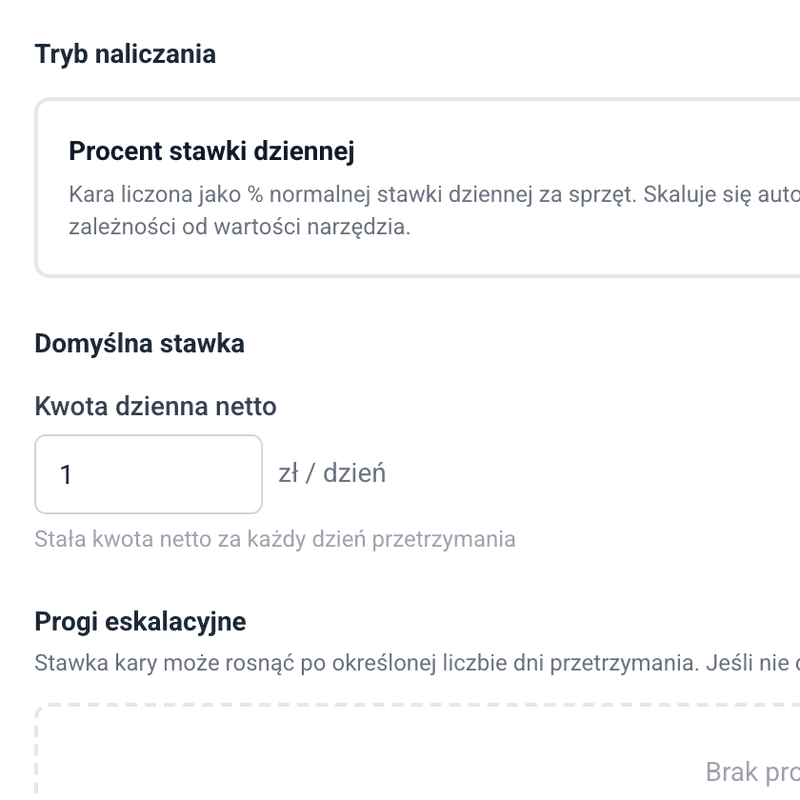
Define the grace period (e.g., 2h), calculation method (per hour/day) and rates. Set an optional maximum fee cap.
Rules in configuration
Fee rules are visible in the configuration panel. Your team applies consistent penalties across all rentals.
Automatic calculation
Upon return registration, the system automatically checks if it was late and calculates the penalty per configuration. No manual work.
Toolero vs manual methods
Compare automatic fees in Toolero with the traditional approach.
Frequently asked questions
Which plan includes late return fees?
Late return fees are available from the Pro plan. The Pro plan includes full configuration of penalties, grace periods and caps.
Can I set different fee rates for different equipment categories?
Yes. You can define individual penalty rules per equipment category. E.g., higher fees for excavators, lower for hand tools.
How does the grace period work?
The grace period is a tolerance window after the return deadline during which no penalty is charged. You can set e.g., 2 hours or 1 day. After that, the penalty starts accruing.
Where are the fee rules visible?
Late fee rules are visible in the configuration panel. Your entire team can see the current rates and apply them consistently.
Can I set a maximum fee cap?
Yes. You can set an upper fee limit, e.g., as a fixed amount or a percentage of the rental value. The system won't charge more than the set limit, even for long delays.
Start charging late fees automatically
No more free overdue equipment. Set the rules once - the system enforces deadlines for you.
Try for free7-day free trial. No credit card required.