
Multiple warehouses? Always know where every tool is
Manage multiple locations and warehouses from one place. Track which equipment is where, transfer between locations and generate inventory reports per warehouse.
7-day free trial. No credit card required.
Without a location system you lose control over equipment
Four most common problems for companies without location management.
You don't know where equipment is
Tools scattered across warehouses, job sites and vehicles. Nobody knows where to find a specific tool - you waste hours on phone calls and checking.
Transfers without a trace
Equipment moves between locations without documentation. A drill left warehouse A but never arrived at B. Who took it? Where is it?
Equipment in the wrong place
Tools don't return to where they belong. After a project ends they stay on the job site instead of going back to the main warehouse.
No reports per location
You don't know how much equipment is in each warehouse. Inventory checks become a multi-day odyssey across all locations.
Full control over locations
Four key capabilities of Toolero's locations module.
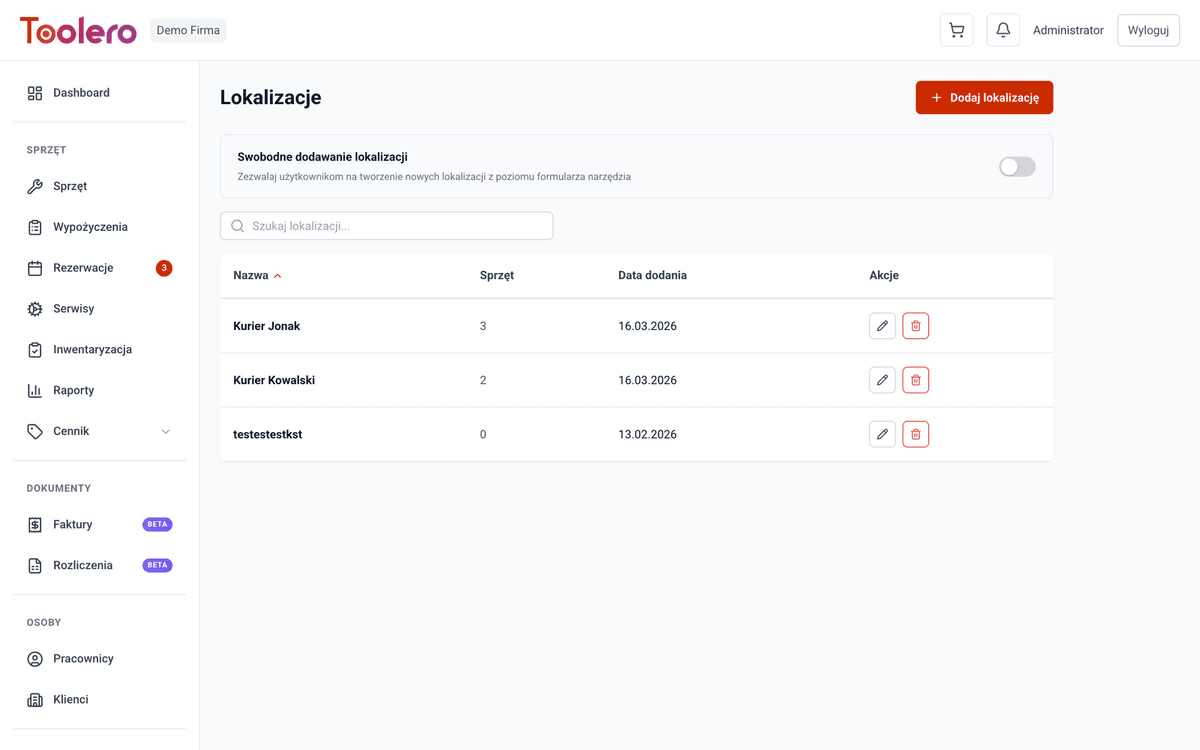
Multiple warehouses
Create any number of locations: main warehouse, job sites, branches. Each location with an address and description.
Location tracking
Always know which location every tool is at. Filter equipment by location with one click.
Transfers between locations
Log equipment moves between warehouses. Full transfer history - you know who, when, from where and to where.
Reports per location
Check equipment status in every warehouse. Generate inventory reports per location.
Location module features
Everything you need to manage equipment across multiple sites.
- Unlimited warehouses and locations with addresses
- Track the current location of every tool
- Transfer history of equipment between locations
- Default location assigned to each tool
- Equipment status reports per location
- Inventory split by warehouse
How to set up locations
Three simple steps to full warehouse control.
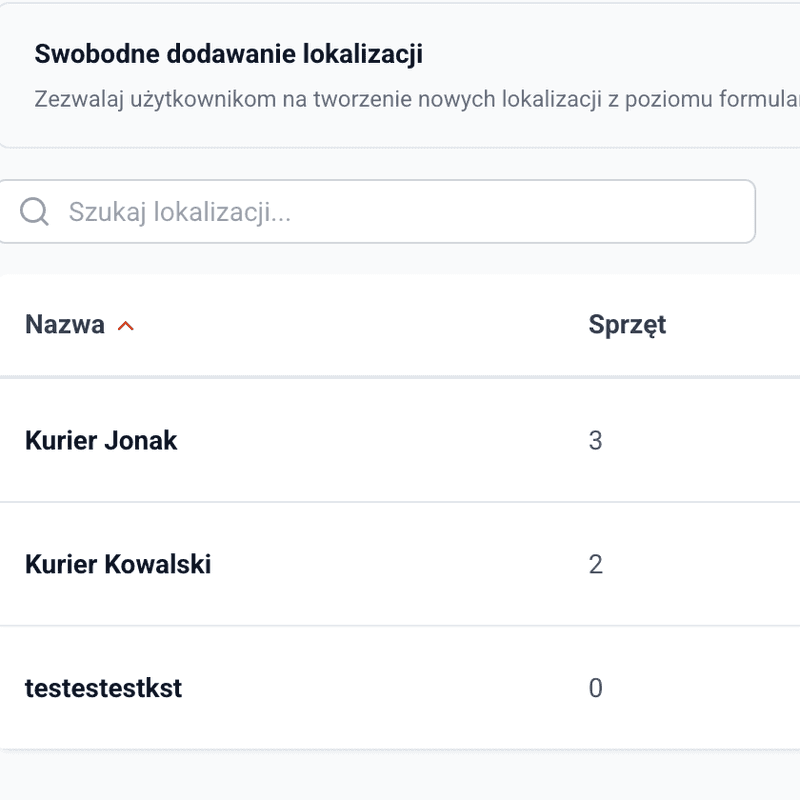
Create locations
Add warehouses and locations: address, name, description. Main warehouse, Lipowa St. job site, Krakow branch - any structure you need.
Assign equipment
Indicate which location each tool is at. Set default locations so equipment always returns to where it belongs.
Track and transfer
Move equipment between locations with full documentation. Generate inventory reports per warehouse.
Toolero vs spreadsheets and paper notes
Compare Toolero's location module with traditional equipment tracking methods.
Frequently asked questions
Which plan includes locations?
The locations and warehouses module is available in all plans - from Starter to Enterprise. No extra charge for this feature.
How many locations can I create?
There is no limit on locations. You can add any number of warehouses, job sites, branches and other storage places.
Can I track equipment transfers?
Yes. Every transfer between locations is logged with the date, responsible person and source/destination location. You have a complete movement history.
Can I set a default location for a tool?
Yes. Every tool can have a default location assigned - e.g. main warehouse. The system suggests it during returns.
Can I generate reports per location?
Yes. Inventory reports can be filtered by location. You know exactly how much and what kind of equipment is in each warehouse.
Get your equipment organized across all locations
No more phone calls and searching for tools. One system, multiple warehouses, full control.
Try for free7-day free trial. No credit card required.